AI Photo Shoot for Your Character
Pick a saved character, describe the scene and the pose, and get new photos with the same face.
Opens AI photo shoot in the studio — add your files there. You’ll sign in first if you’re signed out.
Why DER
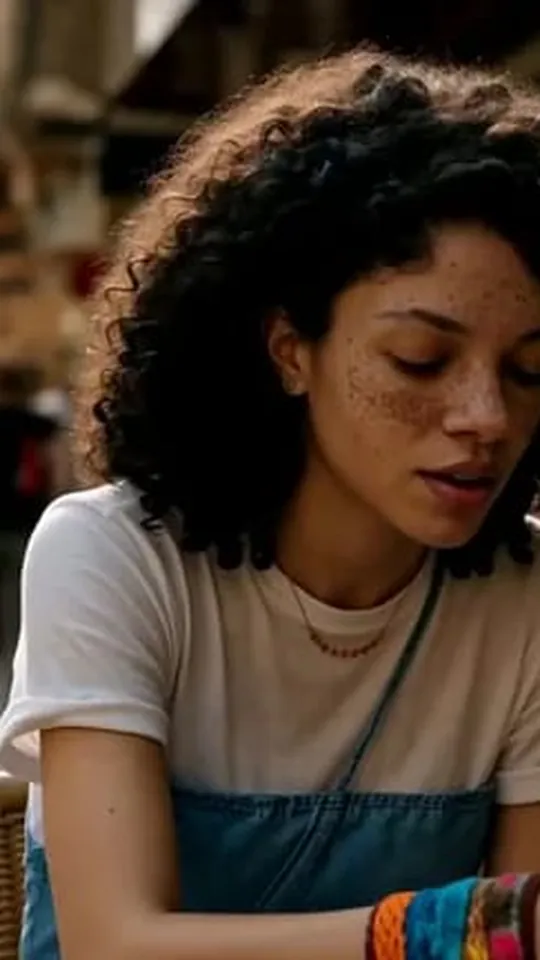
Same face, new photos
Any scene
Describe the place, the light and the outfit.
Poses and framing
Pick a pose, or a close-up, half-body or full-body shot.
One or a few at a time
Shoot one photo or several a run — the price shows first.
What it costs
From 30 credits — the studio shows the exact price before you start. Failed runs are refunded.
Examples
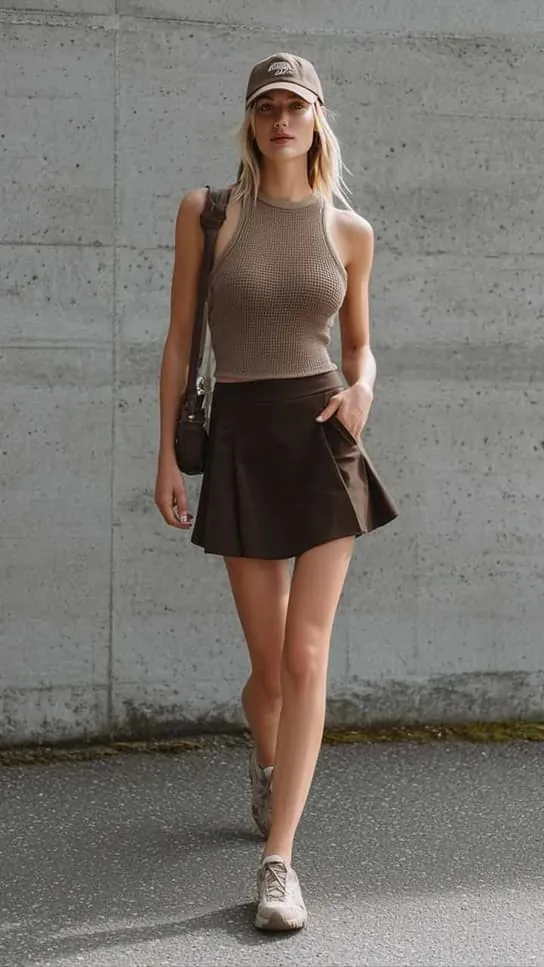
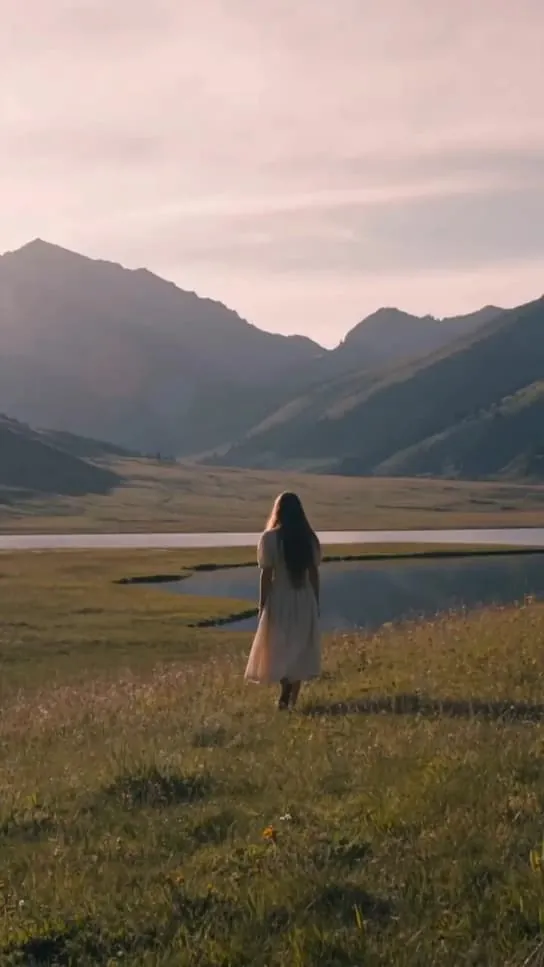
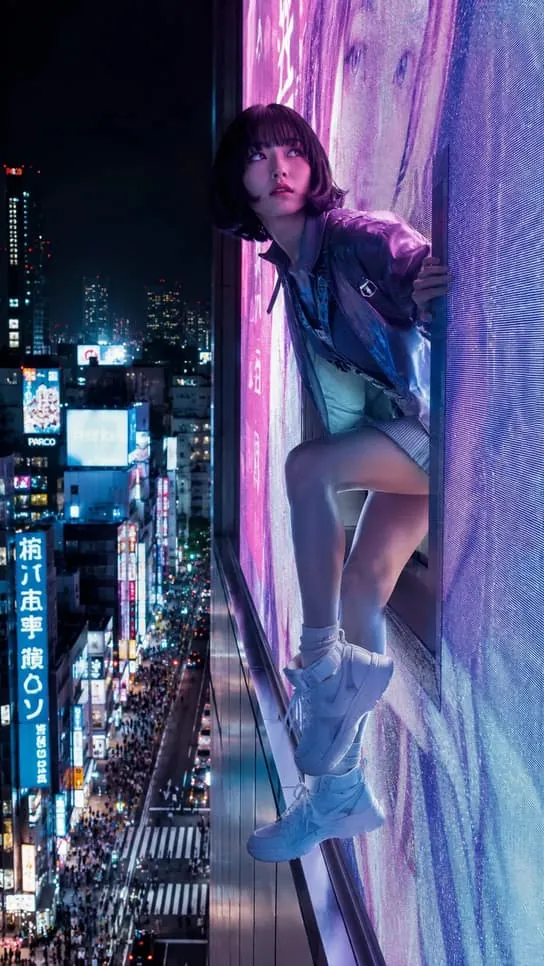
Made with AI photo shoot
FAQ
AI photo shoot questions
Do I need a character first?
Yes. Design and save a character in AIdol, then shoot as many photos of it as you like.
Which model does AI photo shoot use?
Character (GPT Image 2.5) by default. You can pick Character (Seedream 5.0 Pro) in the studio instead.
What does AI photo shoot cost?
From 30 credits — the studio shows the exact price before you start. Failed runs are refunded.
How long are my results kept?
7 days. Keep the ones you want in your Library (up to 200) so they don’t expire.
Shoot new photos
Character (GPT Image 2.5) · from 30 credits