AI Clothes Changer
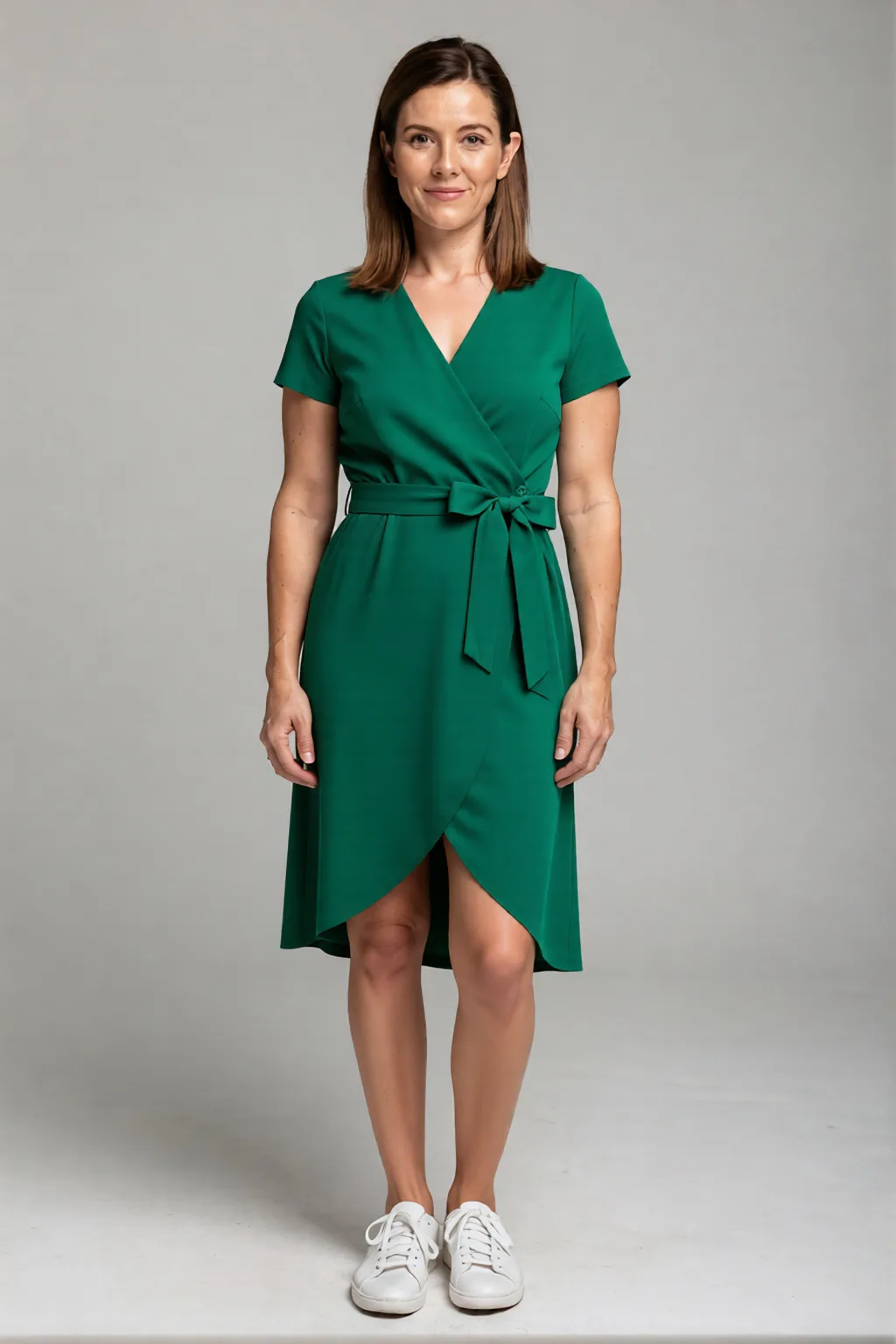
This AI clothes changer puts a new outfit on the person in your photo. Upload a photo of a person and a photo of the clothes; the face, pose and background stay the same.
Opens AI Clothes Changer in the studio — add your files there. You’ll sign in first if you’re signed out.
How it works
How the AI clothes changer works
Add a photo of the person
Pick a clear photo that shows the body and the clothes they’re wearing now. PNG, JPEG, or WEBP files up to 20 MB work.
Add a photo of the outfit
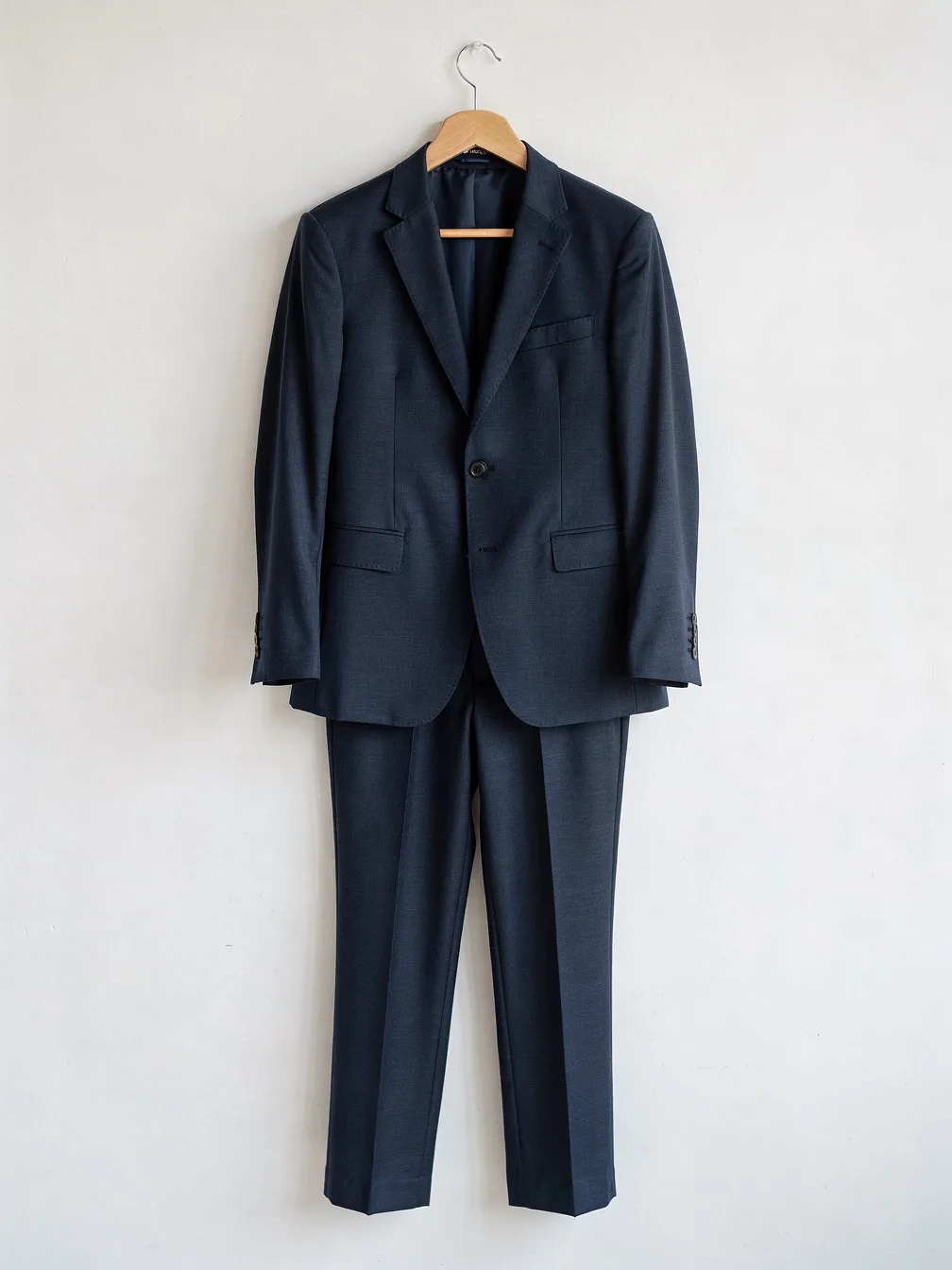
One photo with the whole garment in view — a dress, a suit, a jacket — on a model or on its own.
Check the price and generate
The studio shows the price before you start. You get a new photo of the same person wearing the outfit.
Use cases
What you can change
Dresses
Use it as an AI dress changer: put a summer dress, an evening gown or a wedding dress on a photo of yourself. It’s a quick way to compare cuts and colours before you buy or rent.
Suits and formal wear
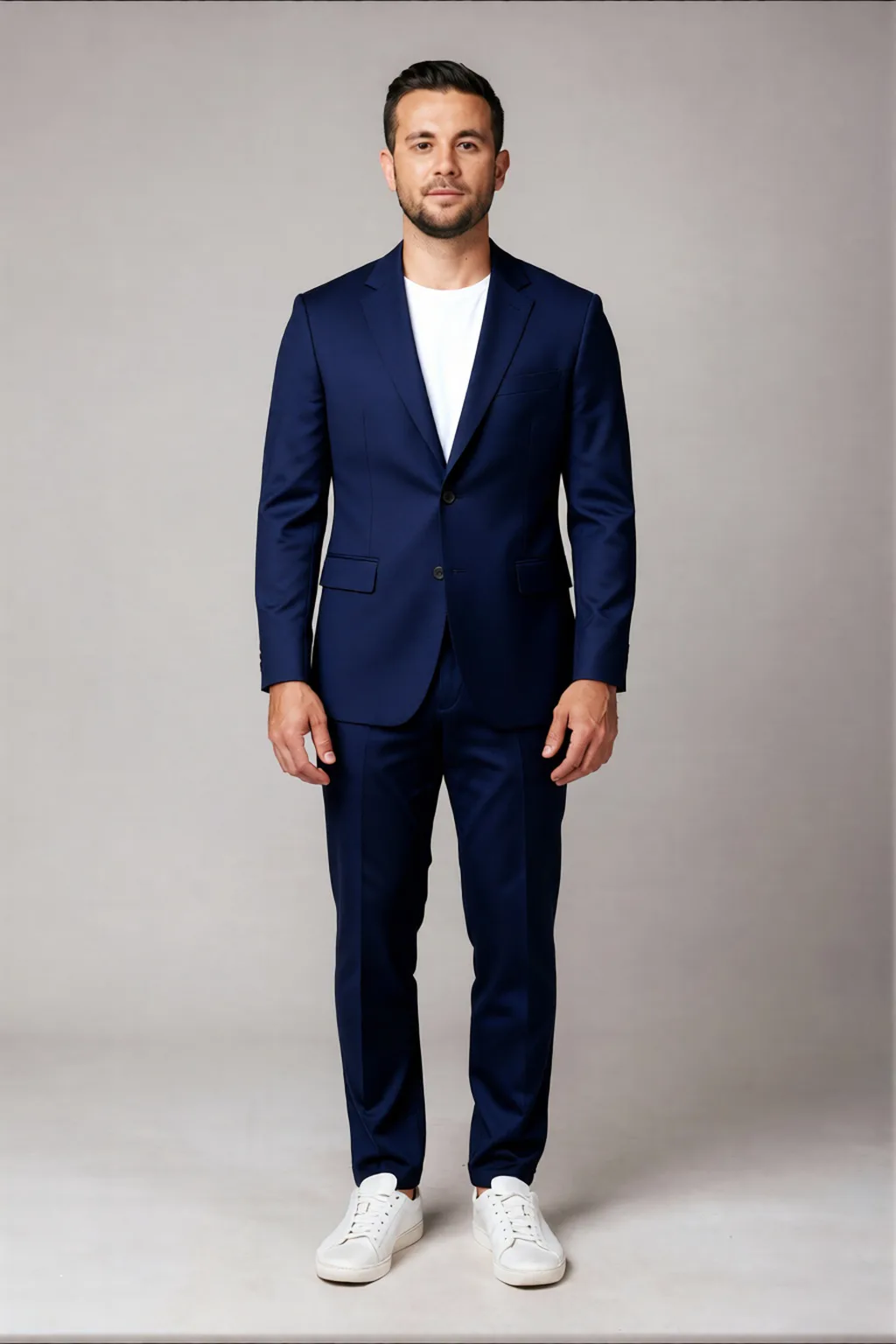
Swap a T-shirt for a suit, a blazer or a tuxedo. See how formal wear looks on you before an interview, a wedding or a party.
Everyday outfits
Jeans, jackets, knitwear, streetwear. It works as an outfit changer for planning what to wear, or for putting a lookbook together from one photo.
Uniforms and costumes
Try a team kit, a work uniform or a cosplay costume without tracking down the real thing. All you need is a clear photo of it.
Why DER
Same person, new outfit
Any outfit photo
A clear photo of the clothes, on a model or on their own.
Same person, new look
The face, pose and background stay from your photo.
Nothing to install
It runs in your browser. Upload two photos and download the result.
Better results
Tips for a clean result
Most misses come from the two photos you start with. Check these before you upload.
The person photo
Do
- One person, facing the camera
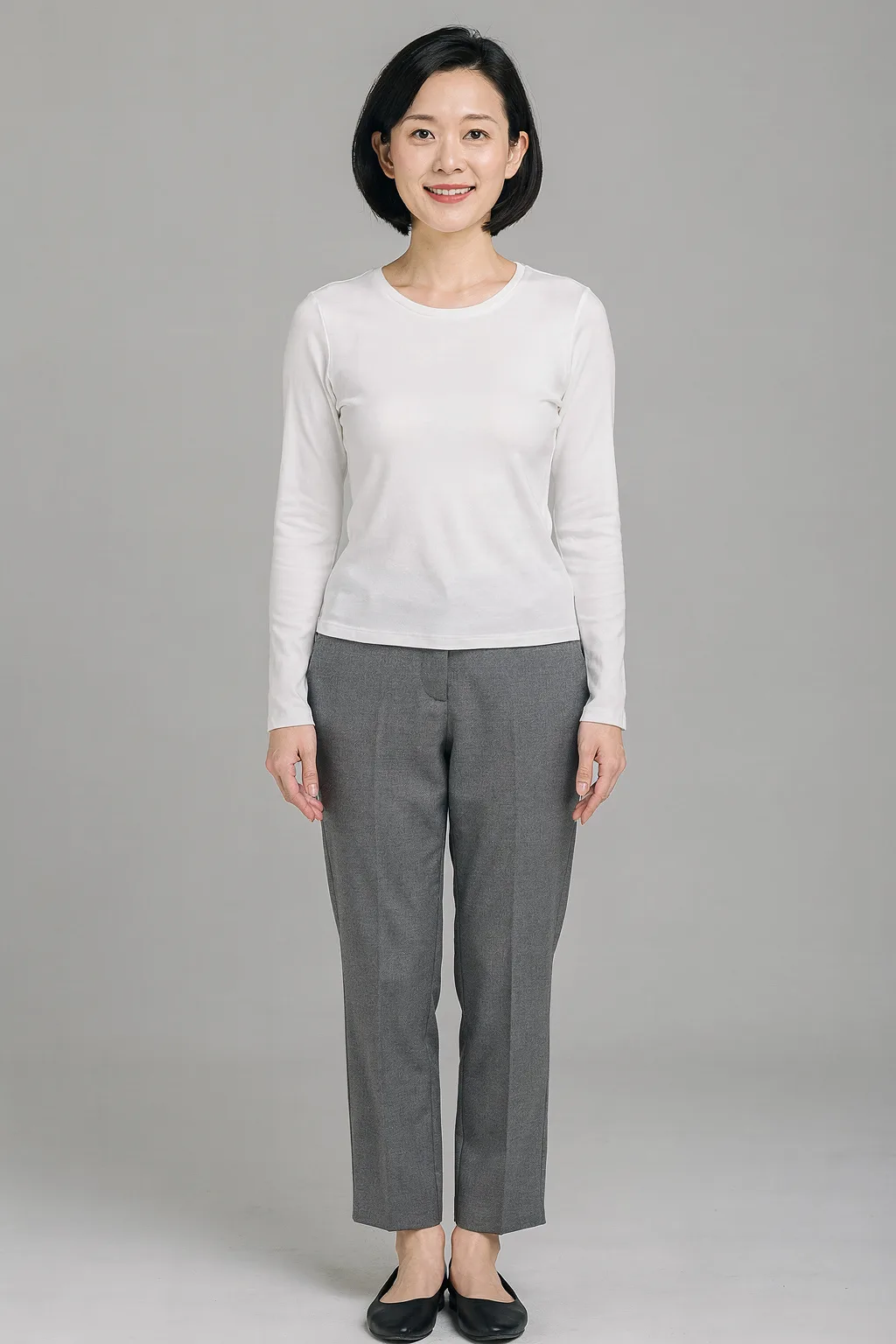
- The body in view from shoulders to hips at least — full length for dresses and trousers
- Even light and a sharp picture
Avoid
- Arms, bags or long hair covering the clothes
- Group shots or tight crops
- Blurry or very dark photos
The outfit photo
Do
- The whole garment easy to see
- Worn by a model or laid out on its own — both work
- A plain background behind it
Avoid
- Other clothes covering it
- Folded or crumpled items
- Small or low-resolution pictures
Examples
Made with the AI clothes changer
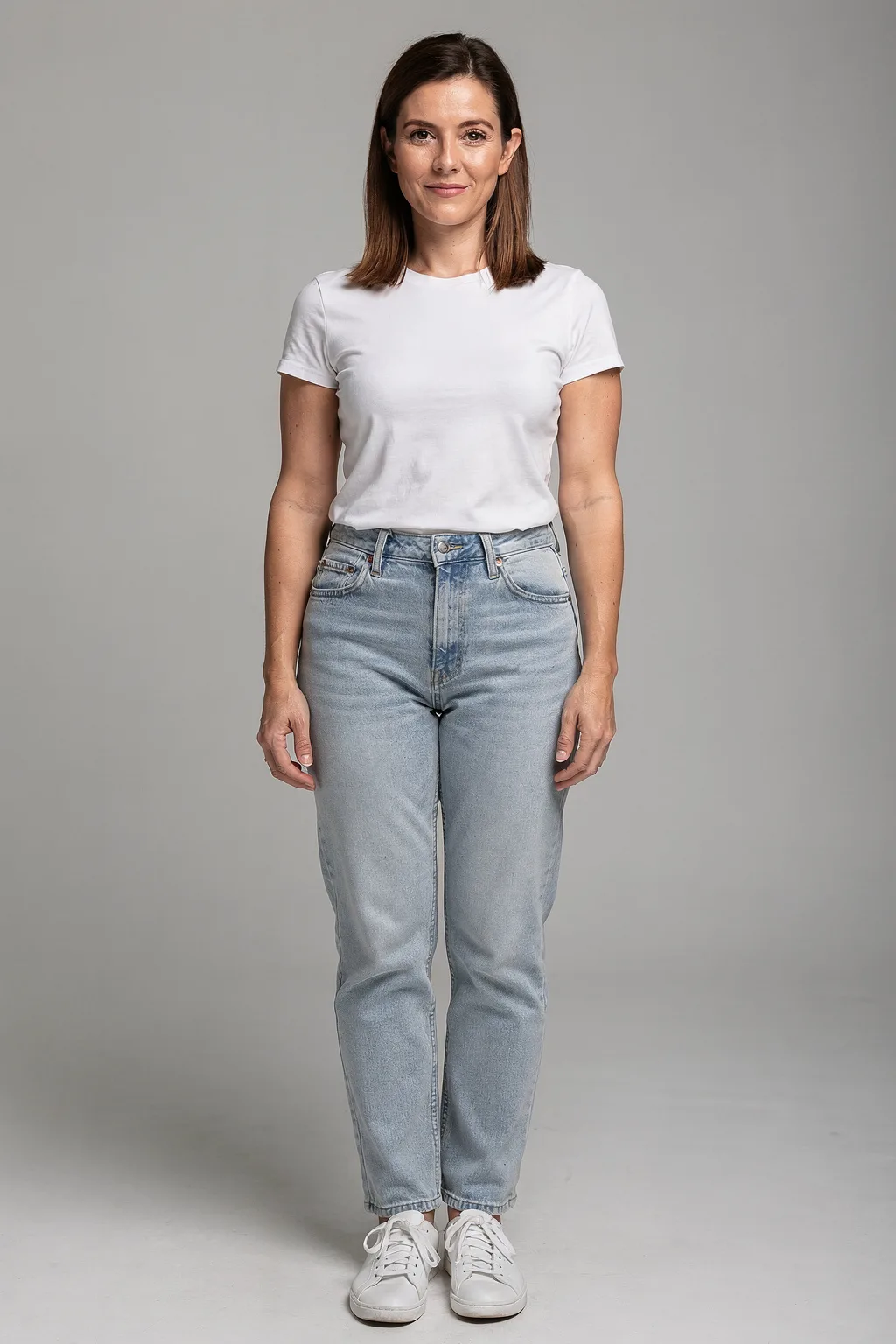 Person
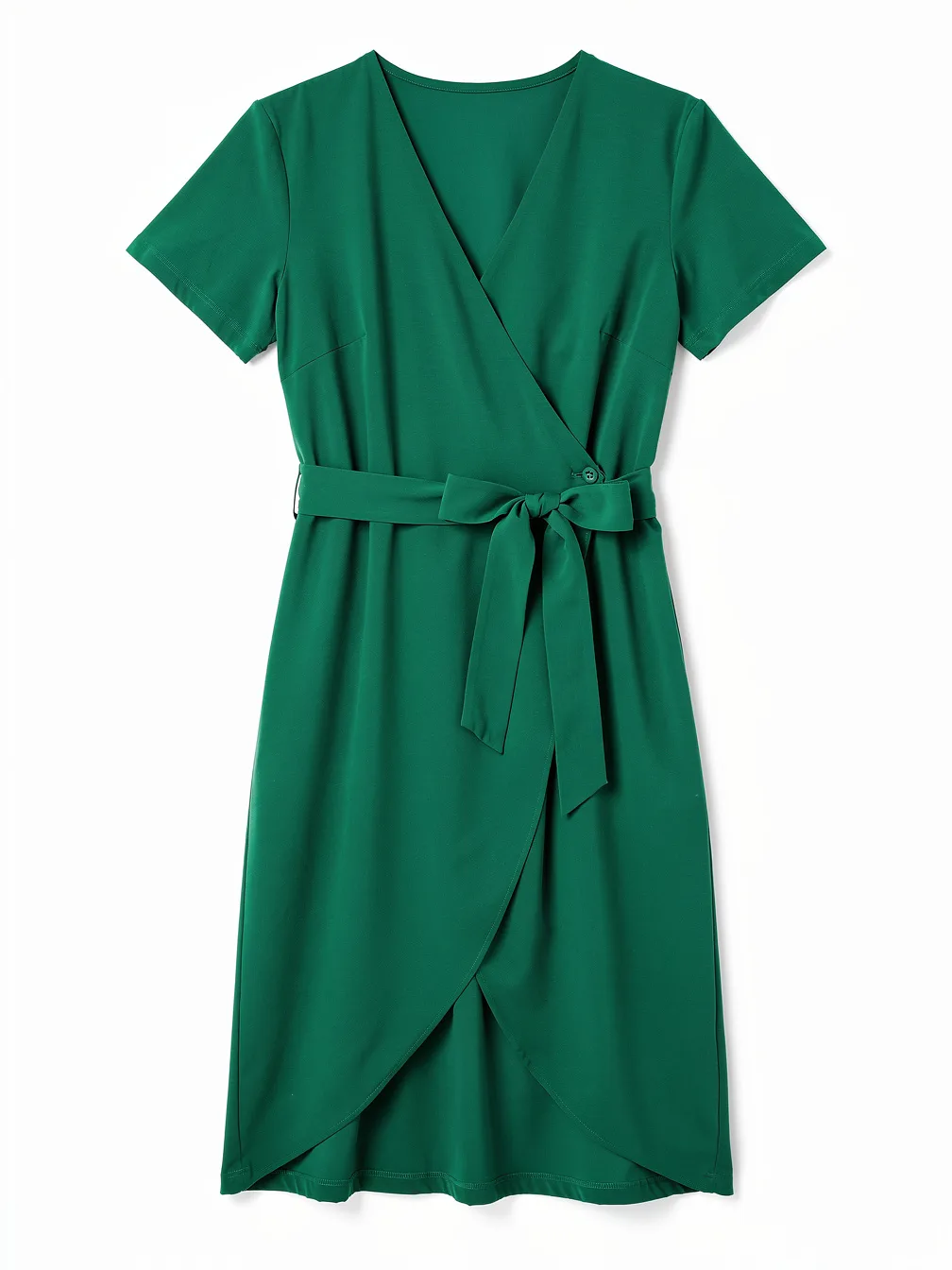 OutfitResult
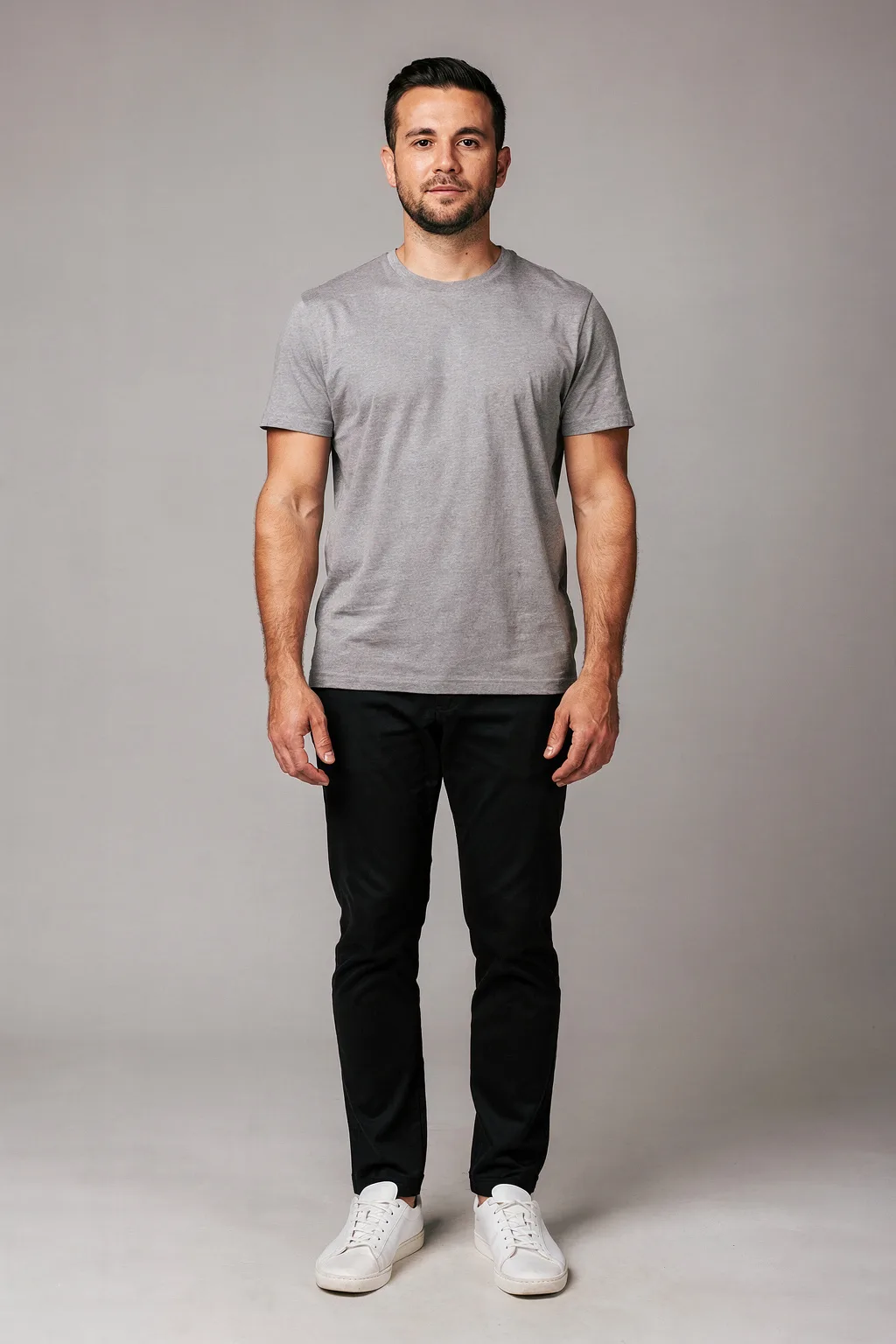 Person
 Outfit
 Result
 Person
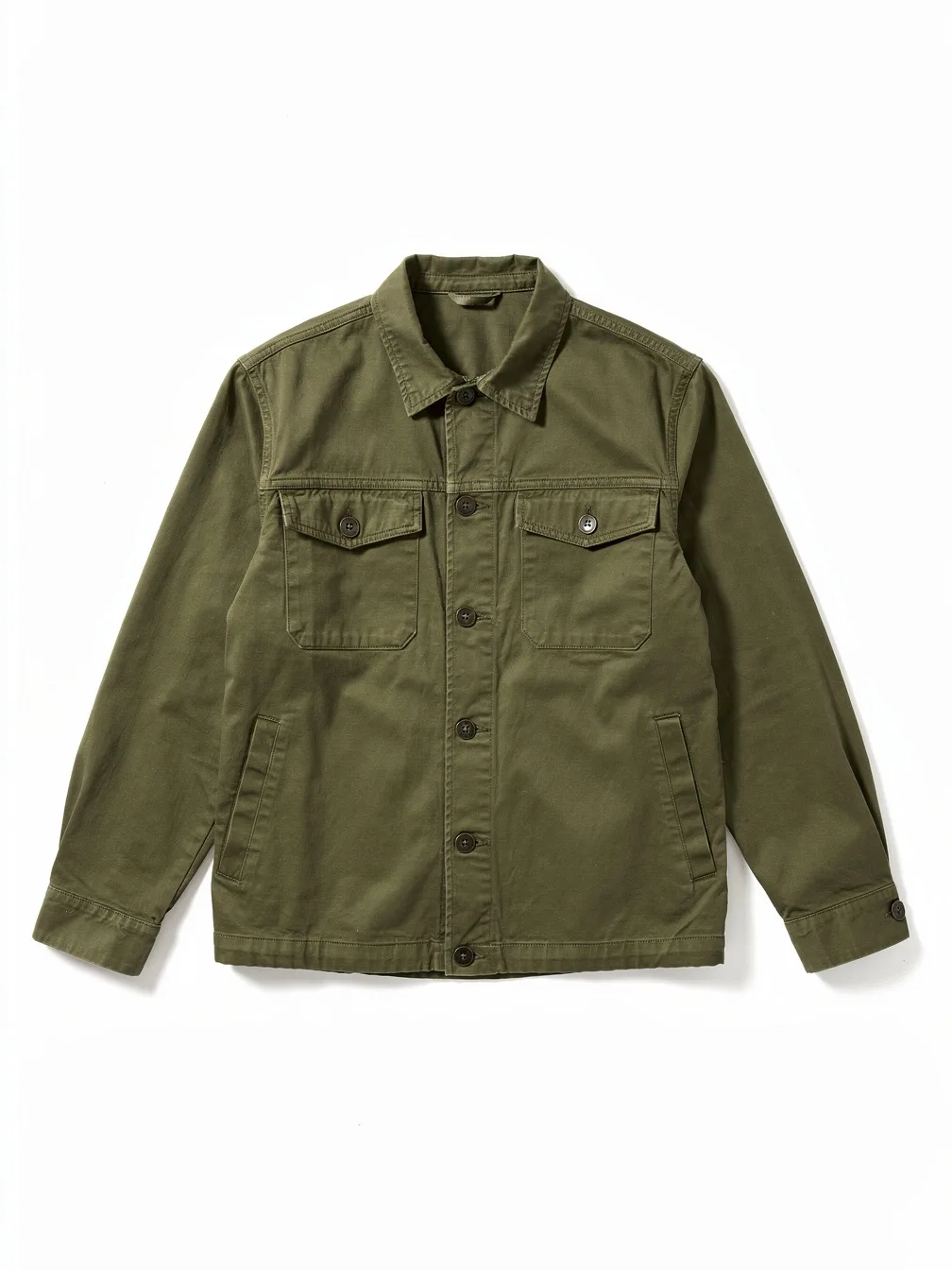 Outfit
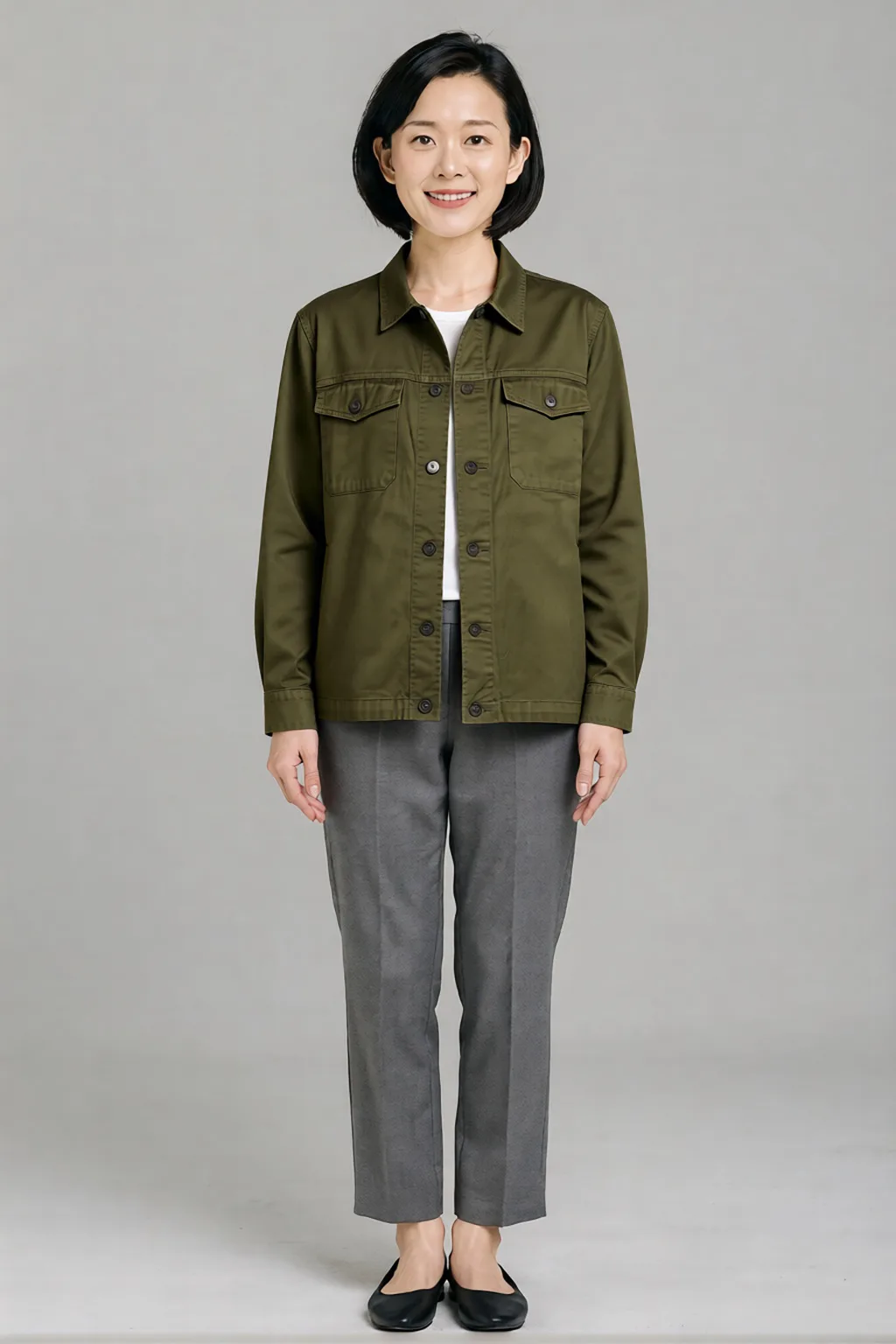 Result
Rules
Use it responsibly
Results are marked as AI-made inside the file. These rules apply to every photo you change:
Only use photos you have permission to use
Your own photos, or photos of someone who agreed to it.
No deception or impersonation
Don’t pass swapped content off as real, or use it to mislead, harass or defraud.
Label AI edits when you share
Say the image was edited with AI where it matters.
No intimate images
Never make sexual or intimate images of a real person without their consent, or anything involving minors.
Pay as you go
No subscription and no monthly minimum: credits are only used when you run something. Top-ups start at $5.
Price shown first
The studio shows the exact price before you start.
Failed runs cost nothing
If a run fails, the credits it used go back to your balance automatically.
FAQ
AI clothes changer FAQ
What is an AI clothes changer?
How do I change clothes in a photo with AI?
What makes a good outfit photo?
What kinds of outfits can I try?
Is the AI clothes changer free?
Can it change clothes in a video?
How long are my results kept?
Change clothes in your photo
Outfit Try-On · From 15 credits / image