Skip to content
DER.run

AI Image Generator

Create or edit images · up to 4K

GPT Image 2.51:11 image
Try

Two ways in

Create from a prompt, or edit a photo

Text to image

Describe the subject, style, light and layout. Pick a model and an aspect ratio, then generate several options at once.

Prompt

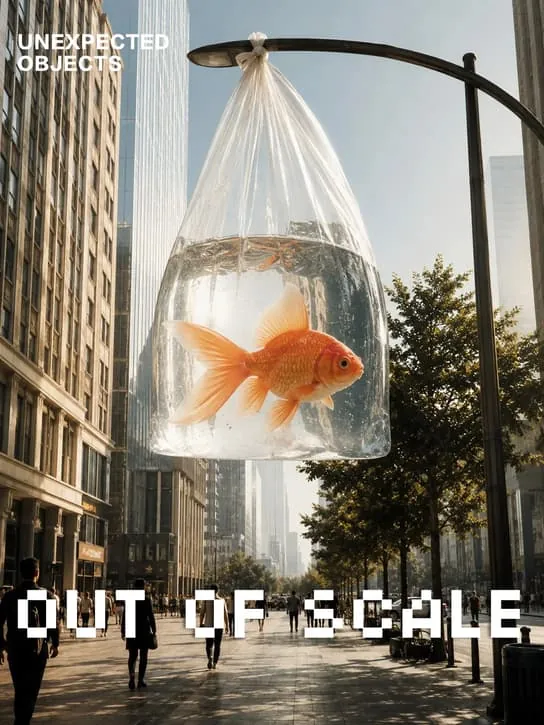
A goldfish in a clear plastic bag held up on a busy street, editorial photo, shallow depth of field, bold white headline “OUT OF SCALE”.

  • GPT Image 2.5
  • Up to 4K
  • Transparent PNG
Create an image
GPT Image 2.5 sample: goldfish in a plastic bag

Edit with references

Upload up to two reference images, then say what should change. The face, product or style stays.

Your photo
Reference
Result

Example edits

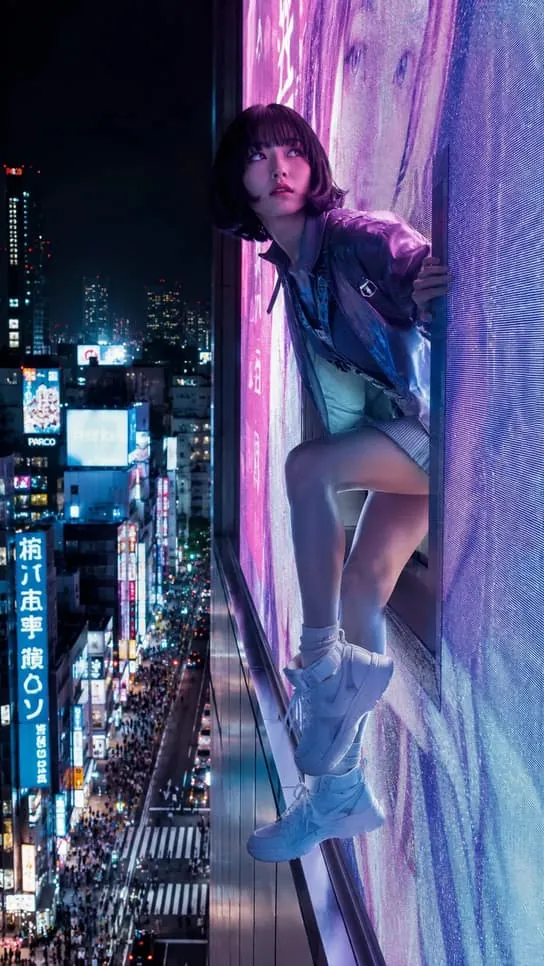
  • “Put her on a rainy Tokyo street at night”
  • “Turn this into a magazine cover with a bold headline”
  • “Change the jacket to red leather, keep everything else”
Edit a photo

Image models

Compare AI image models

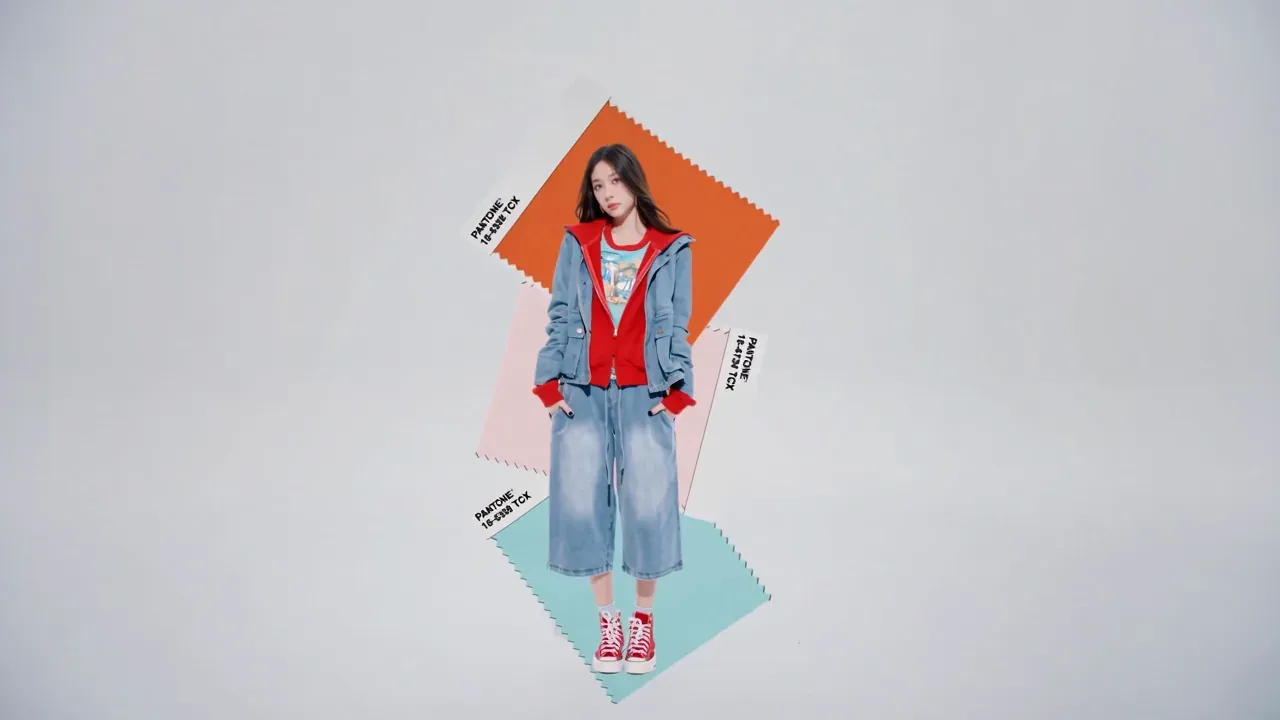
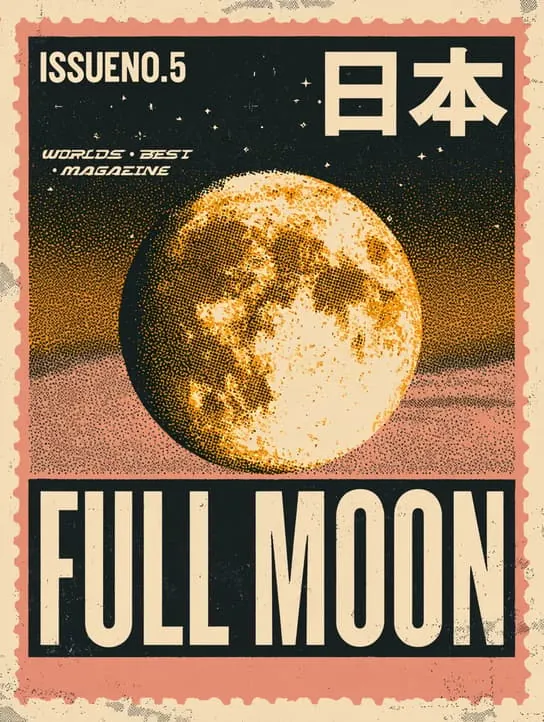
  • GPT Image 2.5 sample

    GPT Image 2.5

    OpenAI

    Precise edits that stay faithful to references, up to 4K with transparent PNG output.

    • Editing
    • Up to 4K
    • Transparent PNG
    Try GPT Image 2.5
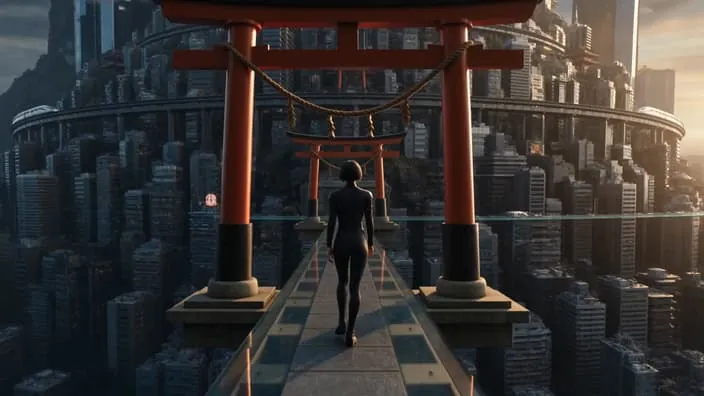
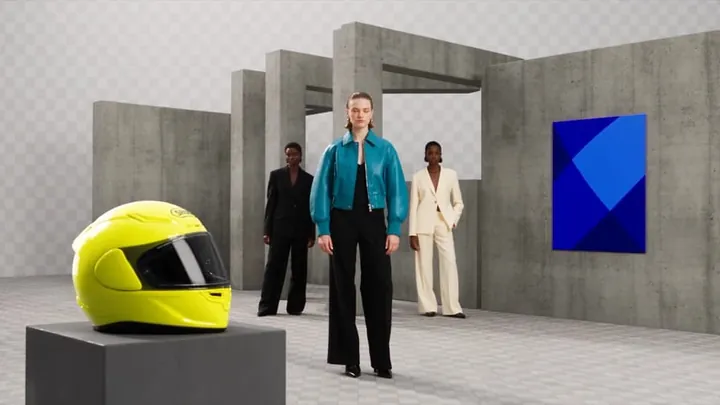
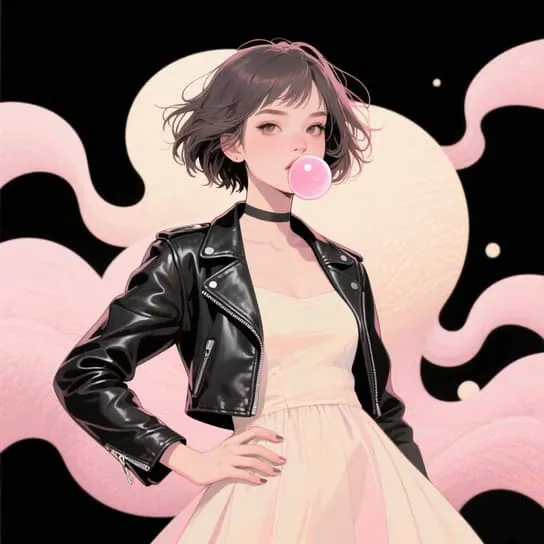
  • Seedream 5.0 Pro sample

    Seedream 5.0 Pro

    ByteDance

    Handles complex prompts with precision: large-scale visuals, transformations and social-ready formats.

    • Editing
    • 2 references
    Try Seedream 5.0 Pro
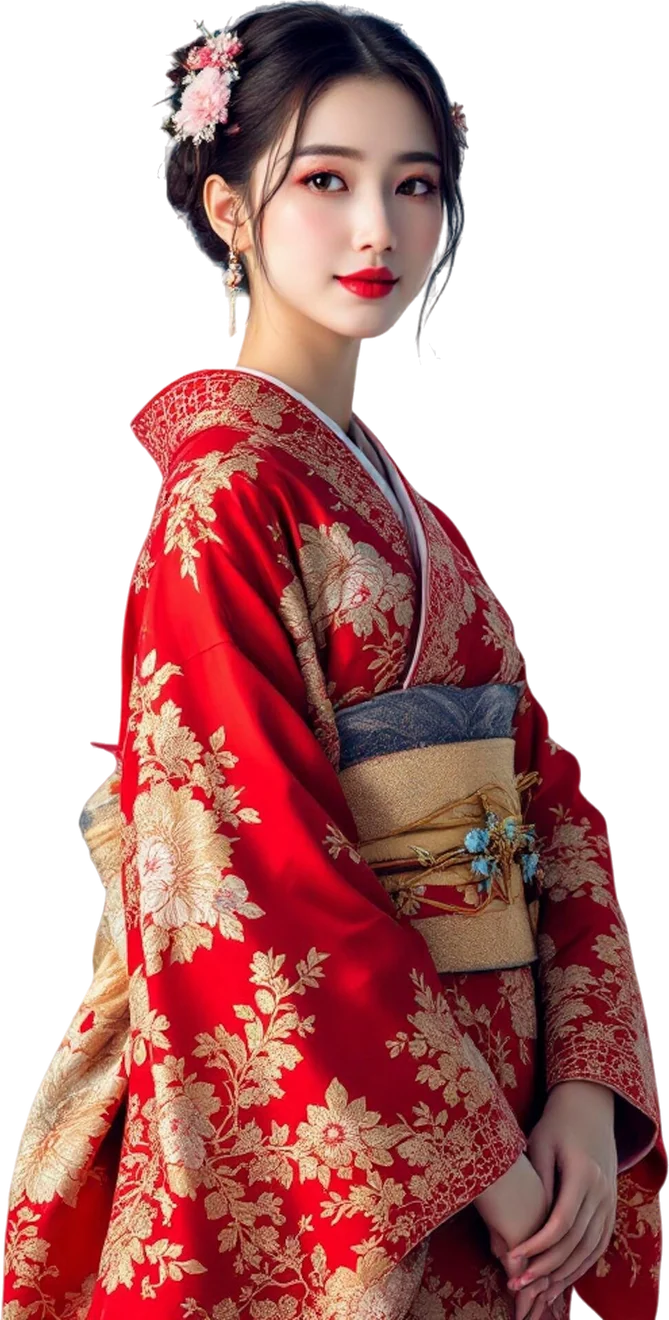
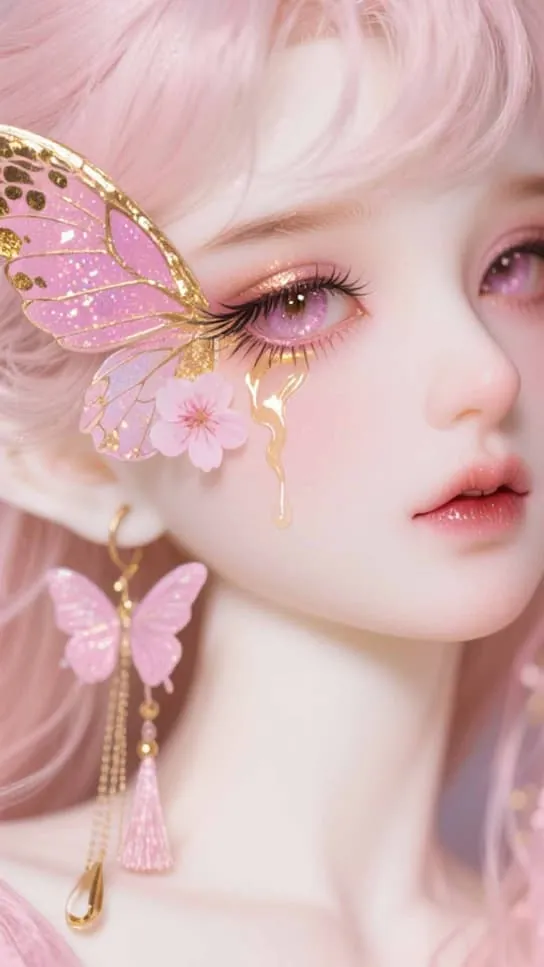
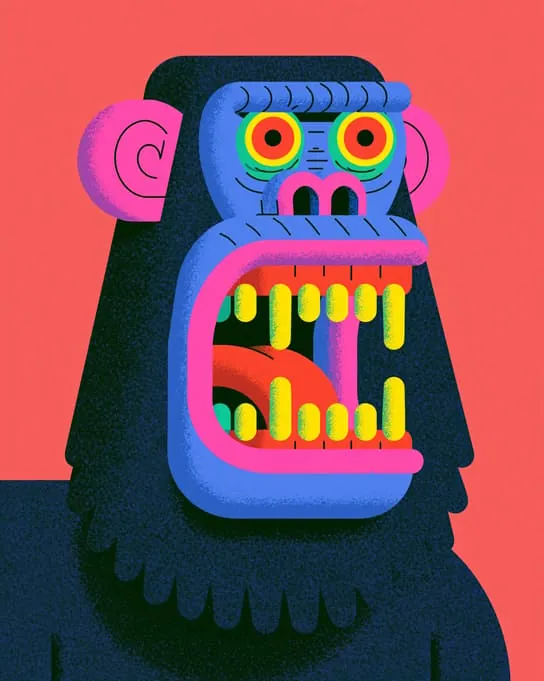
  • Nano Banana Pro sample

    Nano Banana Pro

    Google

    Generate and edit images, up to 4K.

    • Editing
    • Up to 4K
    • 2 references
    Try Nano Banana Pro
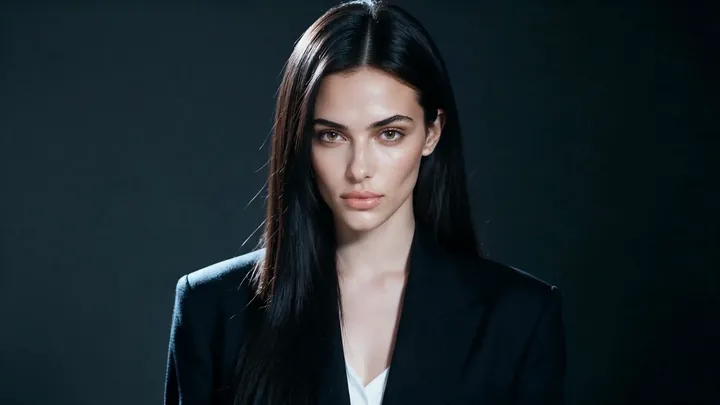
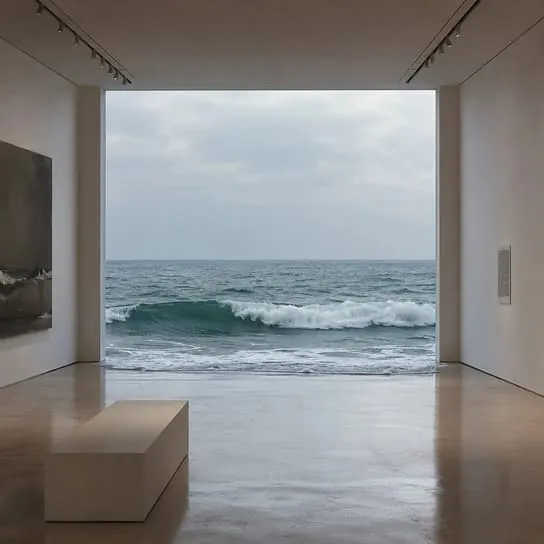
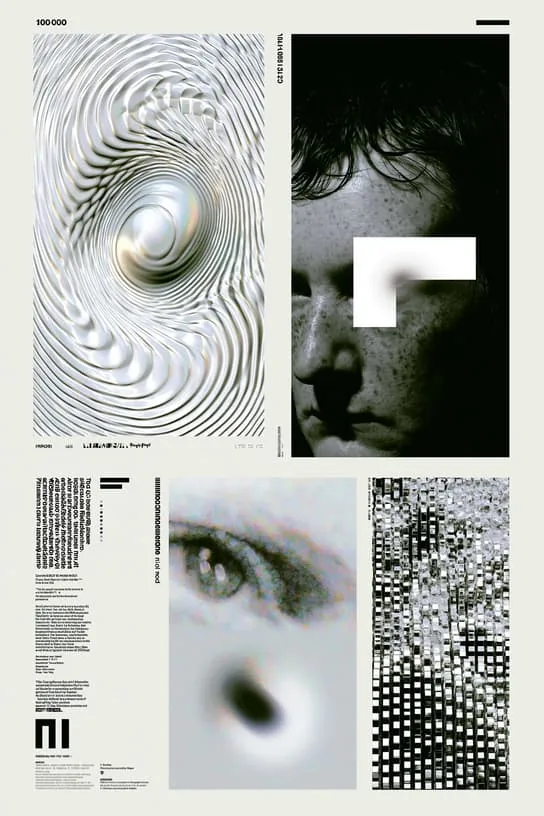
  • FLUX.2 Pro sample

    FLUX.2 Pro

    Black Forest Labs

    Generate or edit an image from a prompt and up to two references, at 1K or 2K.

    • Editing
    • 2 references
    Try FLUX.2 Pro
  • Z-Image Turbo sample

    Z-Image Turbo

    Alibaba

    Quick images from a prompt alone, at one fixed price per image.

    • Fast
    Try Z-Image Turbo

Formats

The right size for every channel

One prompt, five frames

  • 1:1Instagram post
  • 4:5Feed portrait
  • 9:16Stories & Reels
  • 16:9YouTube thumbnail
  • 3:2Print & blog

FAQ

AI image generator FAQ

What files can I upload as references?

PNG, JPEG or WEBP, up to 20 MB each and 8192 px on the longest side. Most models accept up to two reference images.

Can I get a transparent background?

Yes, with GPT Image 2.5: turn on the transparent background option and you get a PNG with no background.

What resolution can I generate?

Up to 4K with GPT Image 2.5 and Nano Banana Pro. Other models have their own limits, shown in the studio.

How many images do I get per prompt?

Choose 1, 2 or 4 in the studio. Each image is a separate generation with its own cost, and the total is shown before you submit.

Can I use the images commercially?

Under our terms of service you own the images you generate, subject to those terms and to the terms of the provider behind each model. Check both before you use an image commercially.

Can I generate images with the API?

Yes. Every image model in the studio is available over the API and the MCP server, with the same credits.
All questions

For developers & AI agents

Generate images from your app or agent

The same image models over the API and the MCP server, with the same credits and results.

Make your first AI image

Type an idea, or drop in a photo to edit.

Open the image studio