Text to Image AI
Describe an image and create it with DER Image V3 and other image models in one studio. Make 1, 2 or 4 images a run. From 5 credits per image (≈ $0.05), pay as you go. Results are usually ready in about 30 seconds.
Opens Text to image in the studio with what you typed. You’ll sign in first if you’re signed out — your text stays.
How it works
From text to image in three steps
Describe the image
Write what you want to see: the subject, the style, the light and the framing. A text to image generator works from words alone, so there’s nothing to upload.
Pick a model and a shape
DER Image V3 opens by default. Choose the aspect ratio and how many images to make; each model only shows the options it supports.
Check the price and generate
The studio shows the total before you start. Your images appear under Your images, ready to download or keep.
Use cases
What you can create from a description
Posters and covers
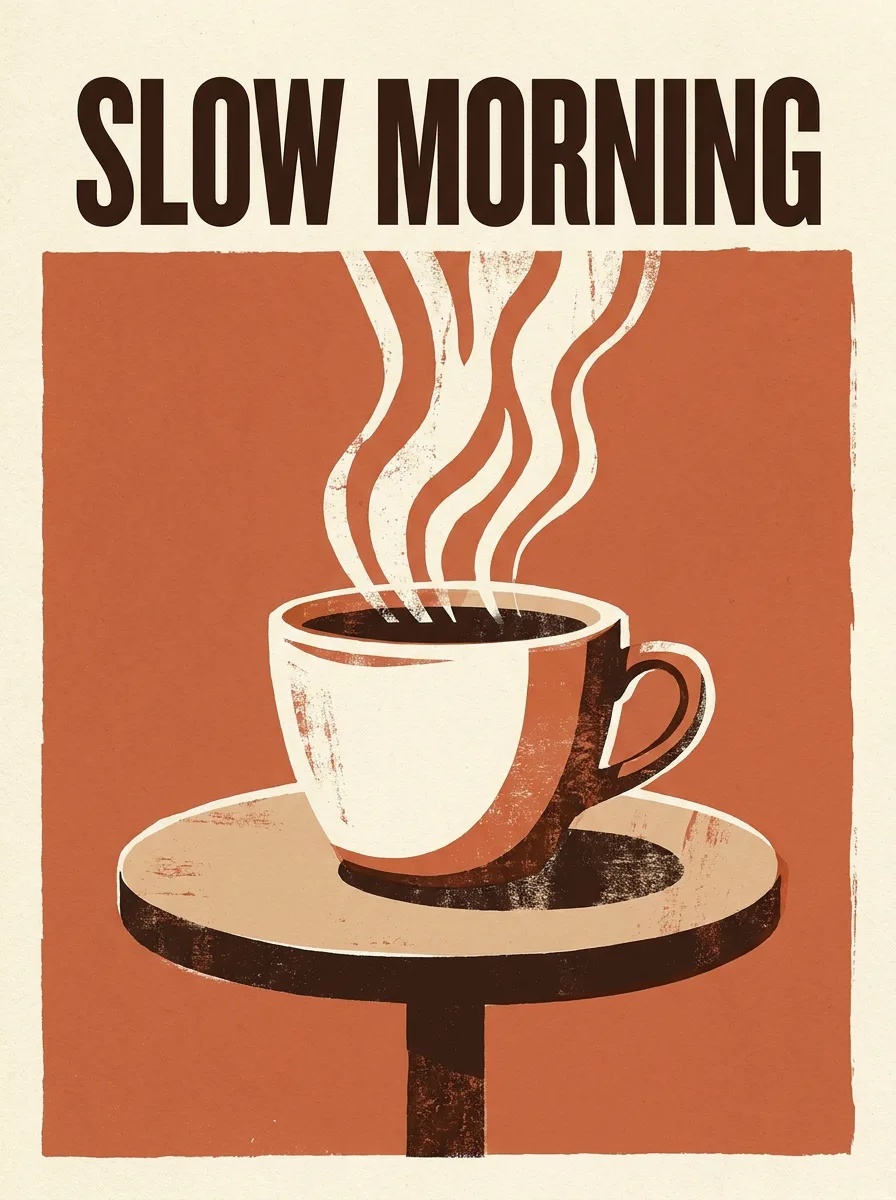
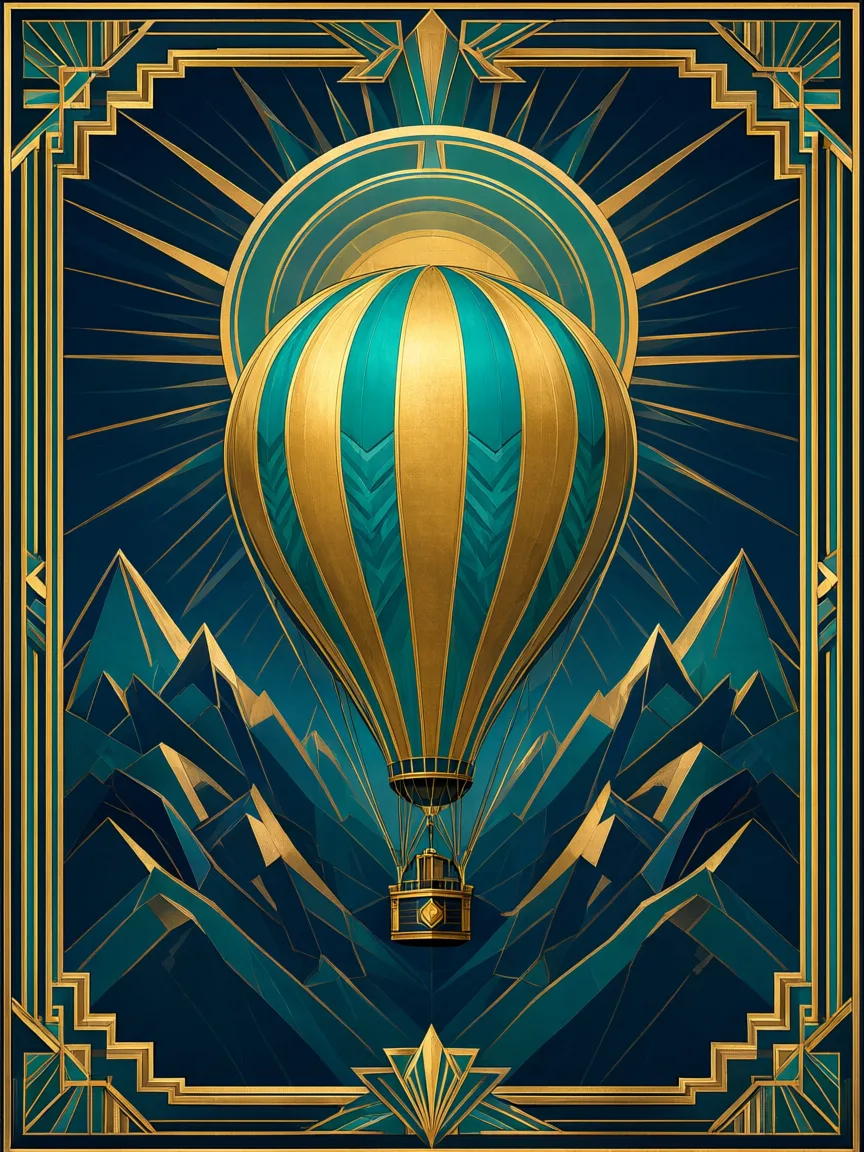
Describe the layout and the mood for a poster, a flyer or a cover image. Put any words you want on it in quotes so the model knows to draw them as lettering.
Photo-style pictures
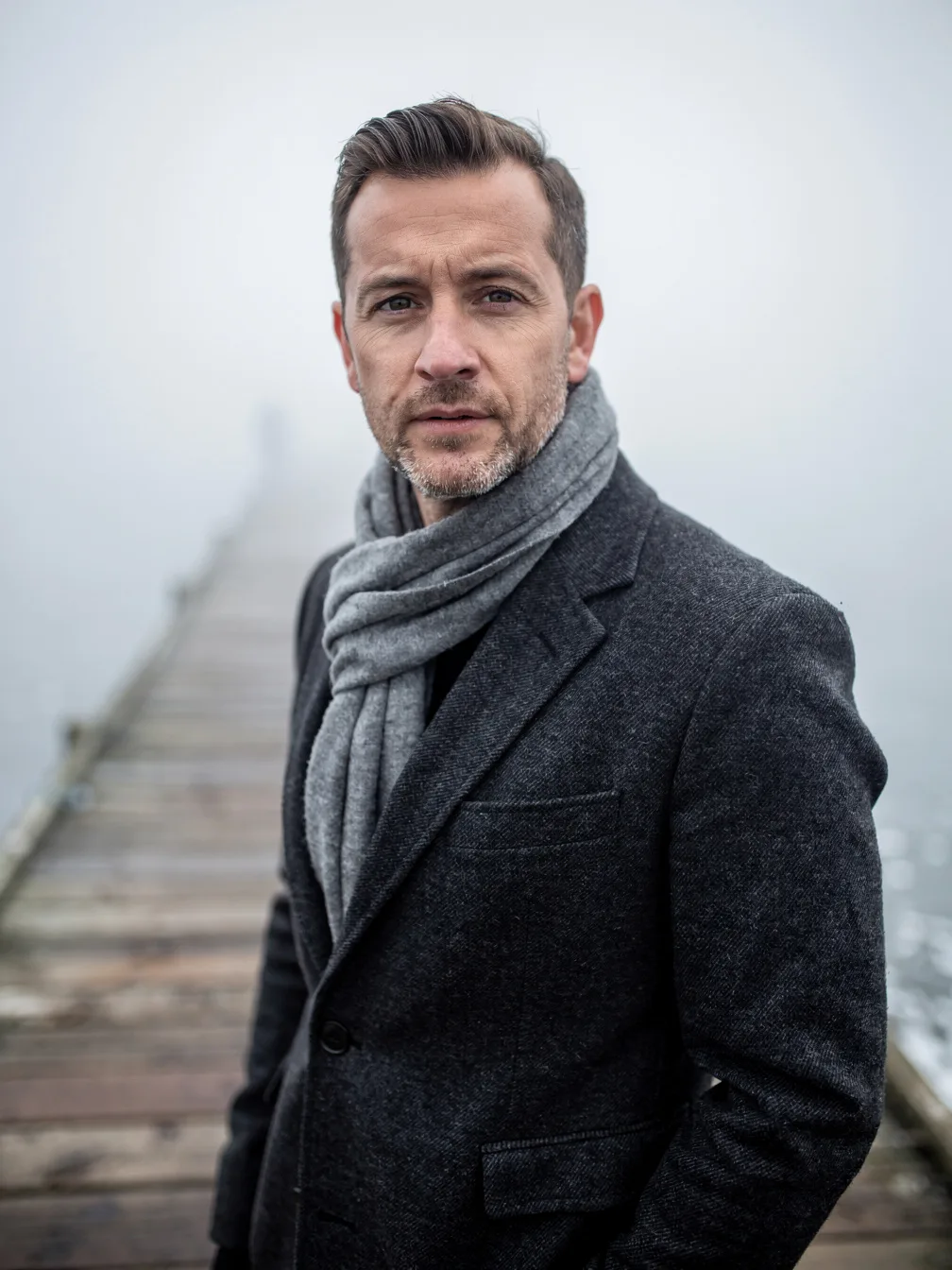
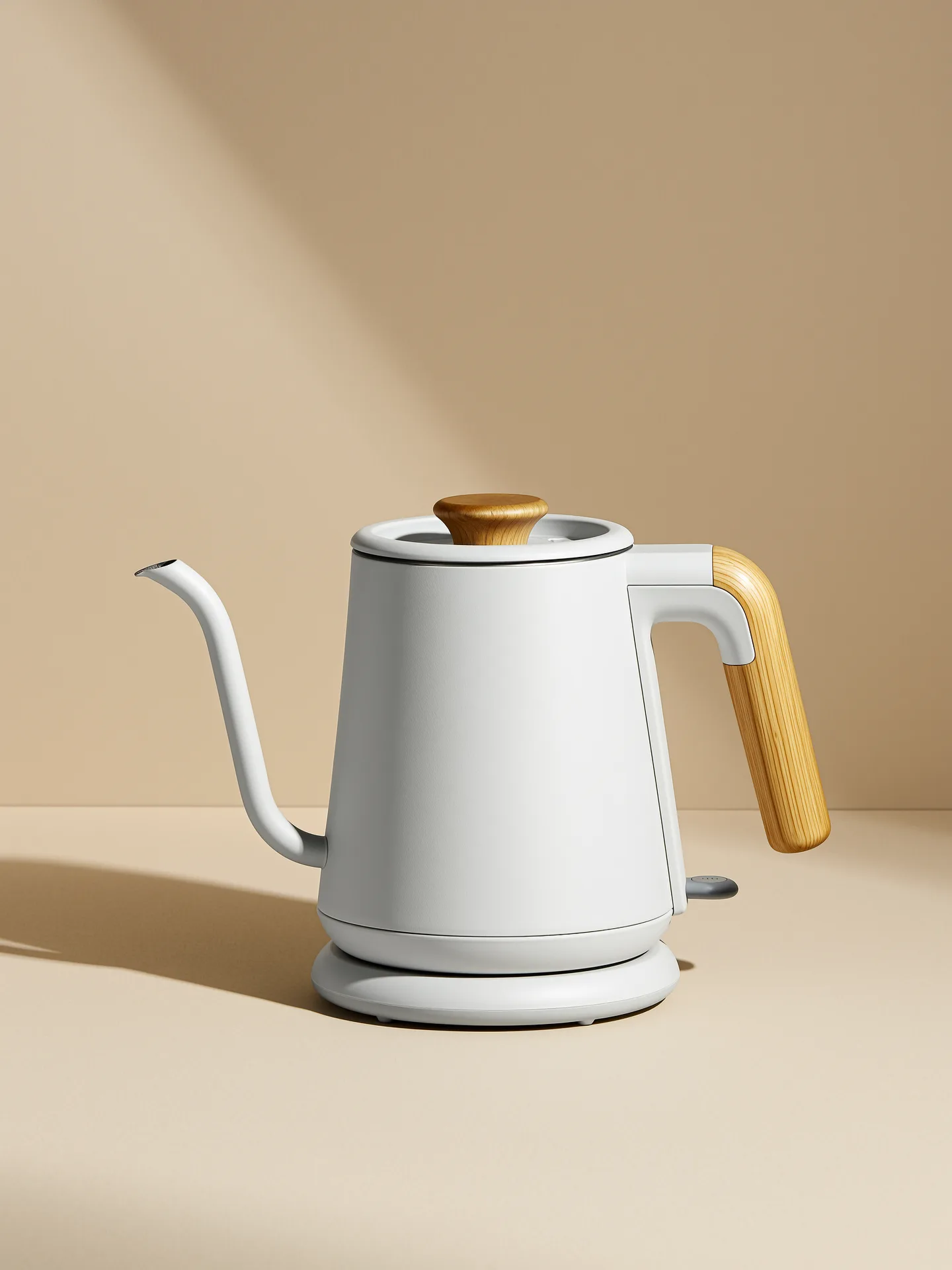
Ask for a portrait, a product on a table or a street scene, and say what the camera and the light should do. The model picker has a Photoreal filter for this kind of picture.
Illustration and art
Name the medium — watercolor, ink, flat vector, 3D render — to steer the image away from a photo look.
Concepts and mood boards
Make a few versions of one idea in a single run and compare them side by side before you commit to a direction.
Why DER
Words in, image out
Describe anything
Photos, posters, illustrations — say what you want and pick the aspect ratio.
Compare models
Try the same prompt on different image models and keep the one you like.
One or a few at a time
Make 1, 2 or 4 images a run and see the price before you generate.
Models
Text to image models on DER
22 image models on DER can make a picture from text alone. DER Image V3 opens by default; you can switch in the studio’s model picker.
- DER Image V35 credits / imageDER · Up to 2K
- GPT Image 2.51 credit / imageOpenAI · Up to 4K
- Nano Banana 2.18 credits / imageGoogle · Up to 4K
- Seedream 5.515 credits / imageByteDance · Up to 2K
- Seedream 5.0 Pro9 credits / imageByteDance · Up to 2K
- Nano Banana Pro17 credits / imageGoogle · Up to 4K
- FLUX.2 Pro5 credits / imageBlack Forest Labs · Up to 2K
- Z-Image Turbo15 credits / imageAlibaba
- DER Image V215 credits / imageDER · Up to 2K
- GPT Image 1.55 credits / imageOpenAI
- GPT Image 26 credits / imageOpenAI · Up to 4K
- Kling 3.0 Image30 credits / imageKuaishou · Up to 2K
- Nano Banana 28 credits / imageGoogle · Up to 4K
- Qwen Image 2.03 credits / imageAlibaba
- Qwen Image 2.0 Pro6 credits / imageAlibaba
- Qwen Image 3.05 credits / imageAlibaba
- Qwen Image 3.0 Pro8 credits / imageAlibaba
- Seedream 4.58 credits / imageByteDance · Up to 4K
- Seedream 5.08 credits / imageByteDance · Up to 3K
- Wan 2.6 Image3 credits / imageAlibaba
- Wan 2.7 Image3 credits / imageAlibaba
- Wan 2.7 Image Pro8 credits / imageAlibaba
Each price is that model’s starting order. Other settings change the price — the studio shows it before you generate.
Better results
Prompts and settings that help
A text to image AI model draws what the prompt names and guesses the rest. The more of the picture you describe, the less it has to guess.
The prompt
Do
- Start with the subject, then add the setting
- Name a style or a medium: photo, watercolor, poster
- Put words that should appear in the image in quotes
Avoid
- Many unrelated subjects packed into one image
- One-word prompts that leave everything open
The settings
Do
- Pick the aspect ratio for where the image will go
- Make one image first, then more once the prompt works
- Run the prompt on a second model to see another take
Avoid
- Starting at the largest size before the prompt works — larger sizes can cost more
Examples
Made with text to image AI
Pricing
What it costs
You pay per image, in credits. The price depends on the model and the size you pick.
From 5 credits per image (≈ $0.05)
See all pricesPay as you go
No subscription and no monthly minimum: credits are only used when you run something. Top-ups start at $5.
Price shown first
The studio shows the exact price before you start.
Failed runs cost nothing
If a run fails, the credits it used go back to your balance automatically.
FAQ
Text to image AI FAQ
What is text to image AI?
How do I generate an image from text?
Which sizes can I make?
Should I use text to image or the image editor?
Can it write text in the image?
How much does text to image AI cost?
How long are my results kept?
Create your first image
DER Image V3 · From 5 credits / image