AI Video Generator
Turn text, images or reference clips into video with DER V2, Seedance 2.5, Veo 3.1, Wan 3.0 and 22 more models, in one studio. Add sound automatically, then download or keep editing.
26 models · text or image to video · with sound
Cost shown before you submit · Done videos show up in Your videosCost is shown before you submit · Results are kept for 7 days
- 26video models, including our own DER V2video models in one studio, including our own DER V2
- 30ssingle shots with Seedance 2.5, Wan 3.0, and Wan 3.0 Primesingle shots with Seedance 2.5, Wan 3.0, and Wan 3.0 Prime
- 30reference images in one generationreference images in a single generation
- Autoaudio on any clip, or native-audio modelsaudio: add sound to any clip, or pick a model with native audio
Modes
Four ways to make an AI video
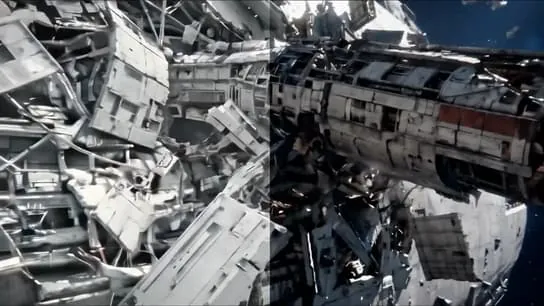
Text to video
Describe the subject, motion and camera. The model writes every frame.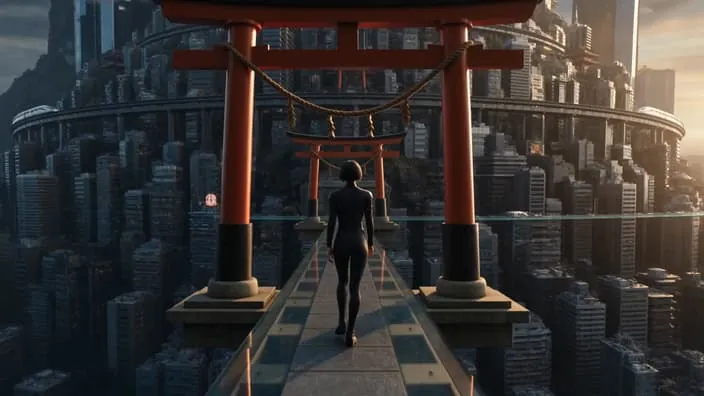
Image to video
Upload one still and describe how it should move.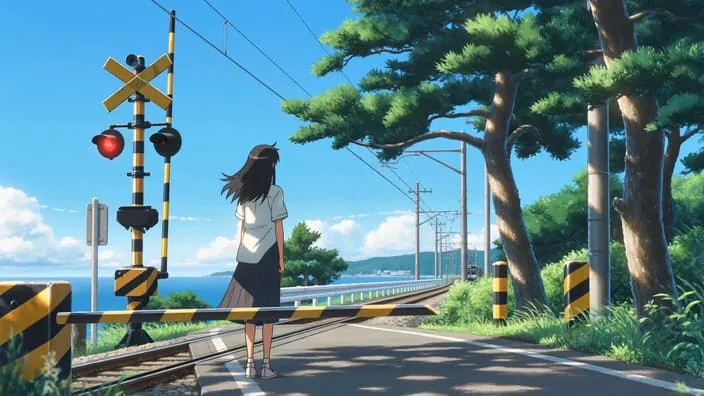
Start & end frames
Set the first and last frame; the model fills in the motion between them.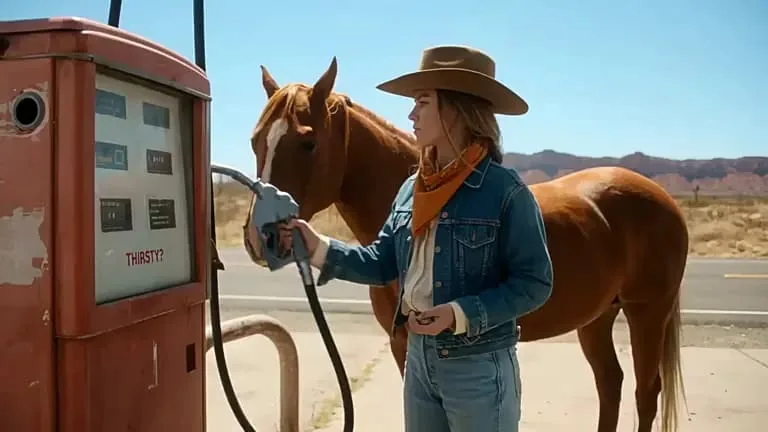
References
Keep faces, outfits and style consistent with up to 30 reference images.
Popular video tools
All tools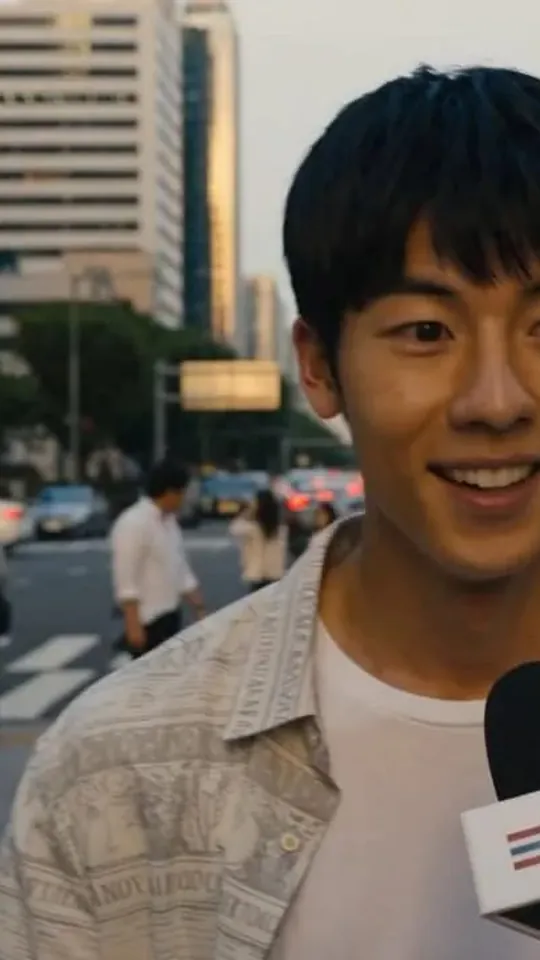
Talking Photo
A photo and an audio track become a talking clip.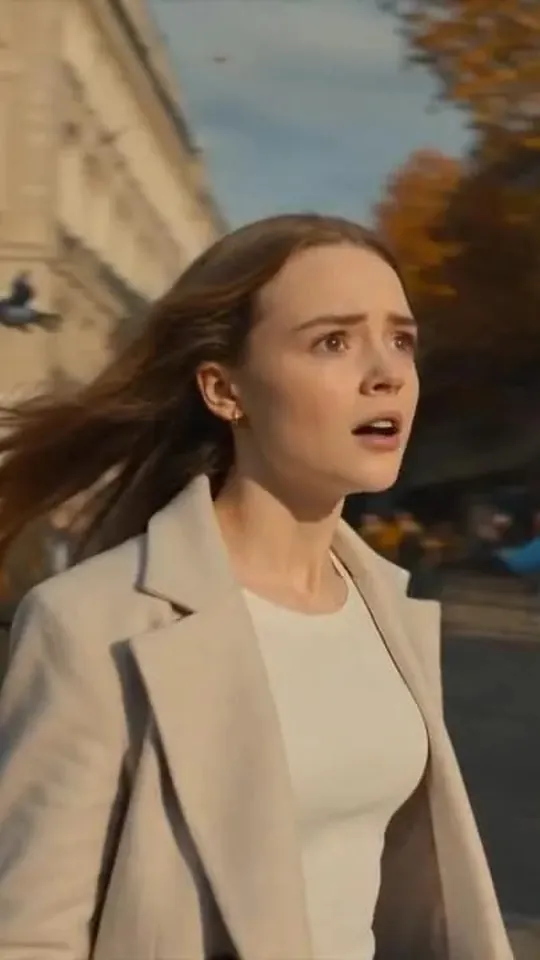
Talking Video
Add new audio to a video, lip-synced to the speaker.
Character Animation
Drive a character with a reference video.Character Swap
Keep the motion, swap the character.Video Upscale
Sharpen a clip and export it at up to 2K.Video Downloader
Paste a Douyin or TikTok link and save the video. Free, sign in to use it.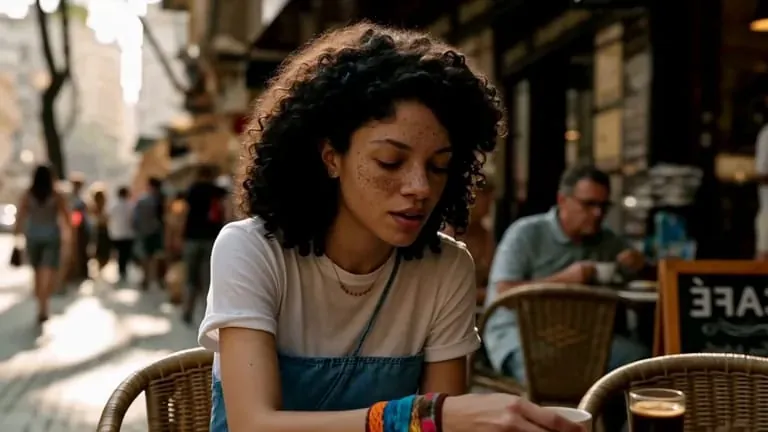
Lipsync
Make a digital presenter speak your own audio, in sync.Add Audio
Generate a soundtrack and sound effects for any clip.
Video models
Compare AI video models
- DER EXCLUSIVEfrom$0.03/s
DER V2
by DEROur own image-to-video model. Animate any photo into a 5–20 second clip, from $0.03 per second.
- From $0.03/s
- Image to video
- 5–20s
Seedance 2.5
ByteDanceMultimodal video for professionals: long-form storytelling, strong references and precise editing.
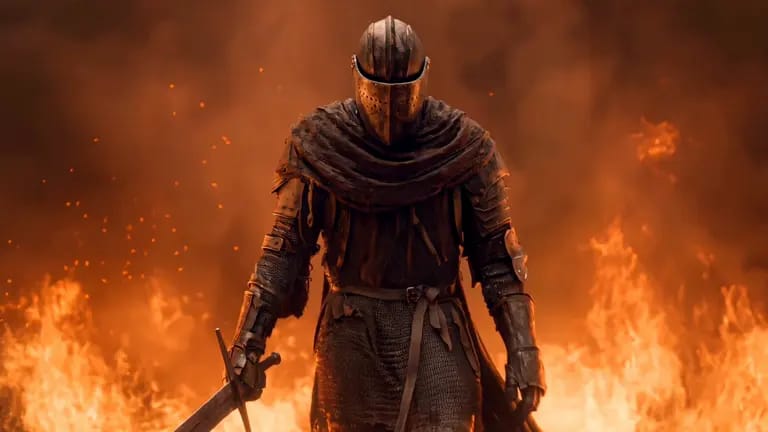
Wan 3.0
AlibabaAll-in-one AI video: native 30-second single shots with up to 30 reference images.
13 of 13 models
- DER V2EXCLUSIVEDER · Our own model · image to video from $0.03/sDEROur own model · image to video from $0.03/sFrom $0.03/sLowest priceUp to 20sTryTry model
- Seedance 2.5ByteDance · Multimodal video for professionals · long-form storytellingByteDanceMultimodal video for professionals · long-form storytellingUp to 30s30 referencesEditingTryTry model
- Veo 3.1Google · Cinematic clips from a start and an end frameGoogleCinematic clips from a start and an end frameNative audioTryTry model
- Wan 3.0Alibaba · All-in-one AI videoAlibabaAll-in-one AI videoUp to 30s30 referencesNative audioTryTry model
- MiniMax H3MiniMax · Video with native audioMiniMaxVideo with native audio5 referencesNative audioCinematicTryTry model
- Kling 2.6Kuaishou · Cinematic video with audioKuaishouCinematic video with audioNative audioCinematicTryTry model
- Kling 3.0 OmniKuaishou · Multi-shot video from up to 7 reference imagesKuaishouMulti-shot video from up to 7 reference images7 referencesNative audioCinematicTryTry model
- Grok ImaginexAI · Video that looks and sounds rightxAIVideo that looks and sounds rightLowest priceNative audioTryTry model
- Wan 2.6Alibaba · Film-like video from a still imageAlibabaFilm-like video from a still imageNative audioCinematicTryTry model
- Wan 2.6 FlashAlibaba · Fast image to video with soundAlibabaFast image to video with soundLowest priceFastNative audioTryTry model
- Seedance 2.0ByteDance · Cinematic AI video, up to 4KByteDanceCinematic AI video, up to 4K9 referencesUp to 4KNative audioTryTry model
- Seedance 2.0 FastByteDance · Quick text and image to videoByteDanceQuick text and image to video9 referencesFastNative audioTryTry model
- Seedance 1.5 ProByteDance · Audio and video in syncByteDanceAudio and video in syncNative audioTryTry model
13 more video models are in the studio.Open the video studio
Made with DER
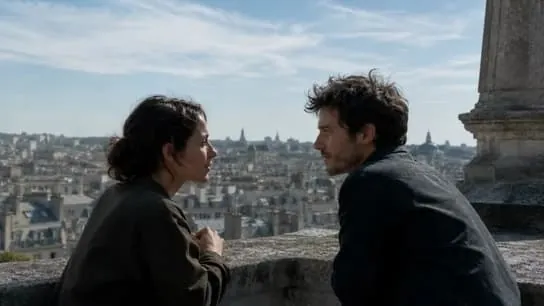
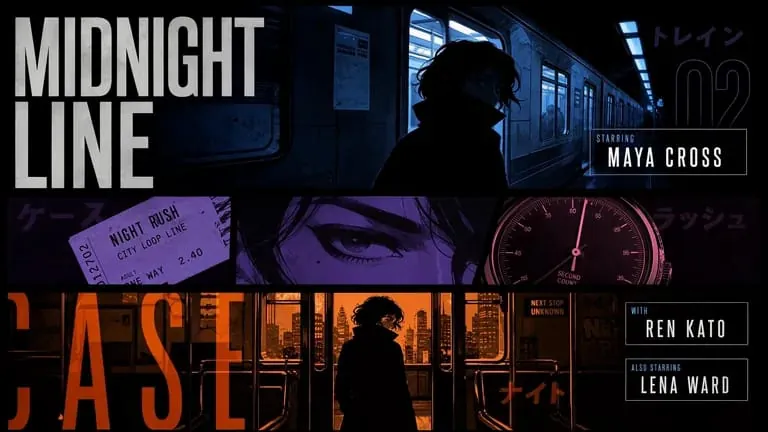
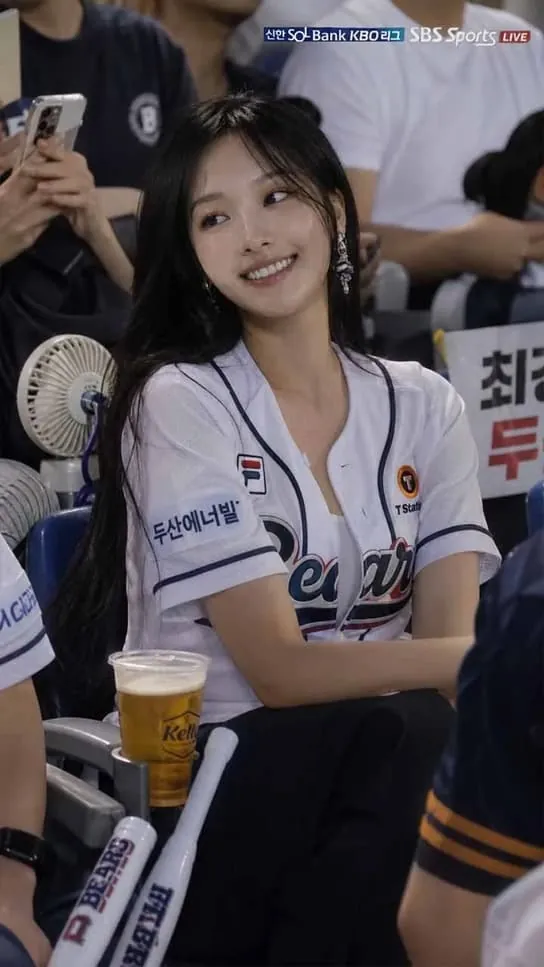
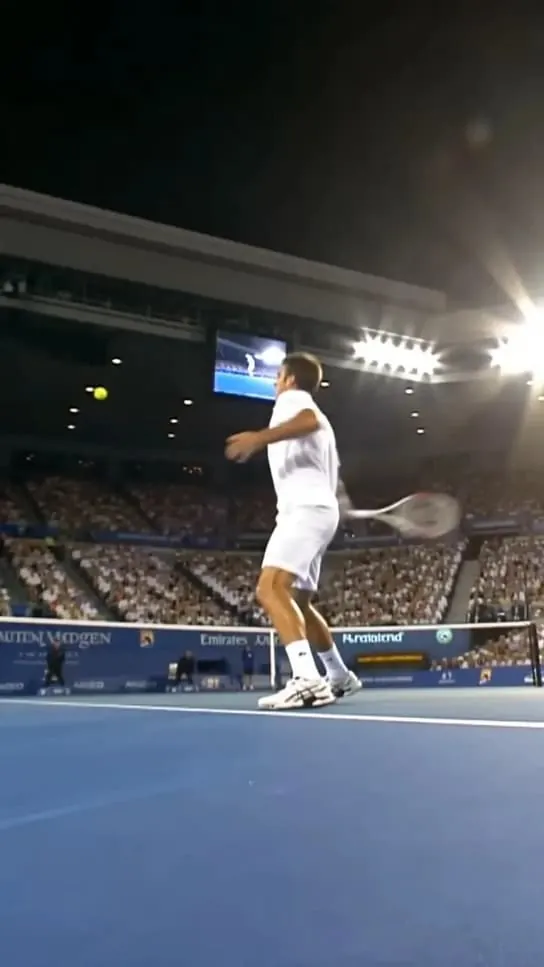
AI videos made in the studio
How it works
How to make an AI video
Pick a mode and a model
Text, image, frames or references. Not sure? Start with Seedance 2.5 and switch later.Describe the shot
Write the prompt, add your images, then set length, aspect ratio, resolution and audio.Generate and download
See the credit cost before you submit. Download the clip within 7 days, upscale it, or make another take.
Prompt tips
Write better video prompts
Five parts, in this orderGood video prompts read like a shot list. Cover five things, in this order:
Example prompt
a traveler in a long coat, walks through a red torii gate, slow push-in, low angle, city lights flicker far below, dusk, wind, distant traffic.
- Subject
- Action
- Camera
- Setting & light
- Sound
- One shot per prompt. Chain clips for a longer story.
- Name the camera move: push-in, orbit, handheld, drone.
- For image to video, describe motion, not what is already in the photo.
- Use references to keep the same face across clips.
FAQ
AI video generator FAQ
How long can an AI video be?
Can I add sound to my video?
What images can I upload?
How many credits does a video cost?
Can I use the videos commercially?
Can I generate videos with the API?
Keep creating
More AI tools in DER
- Image
AI Image Generator
GPT Image and SeedreamCreate and edit images with GPT Image and Seedream.  AIdol
AIdolAI Idol Generator
Design a characterDesign a character, then shoot new photos. Face Swap
AI Face Swap
Faces, heads and outfitsSwap faces, heads or outfits in photos.- Music
AI Music Generator
Songs from a style and lyricsTurn a prompt into a track, or add sound to video.
For developers & AI agents
Generate video from your app or agent
The same video models over the API and the MCP server, with the same credits and results.
Make your first AI video
Pick a model, describe the shot, and watch it render.