AI Dance Video Generator
Upload a photo of a character and a dance video. This AI dance video generator makes the character perform the same moves.
Opens AI Dance Video Generator in the studio — add your files there. You’ll sign in first if you’re signed out.
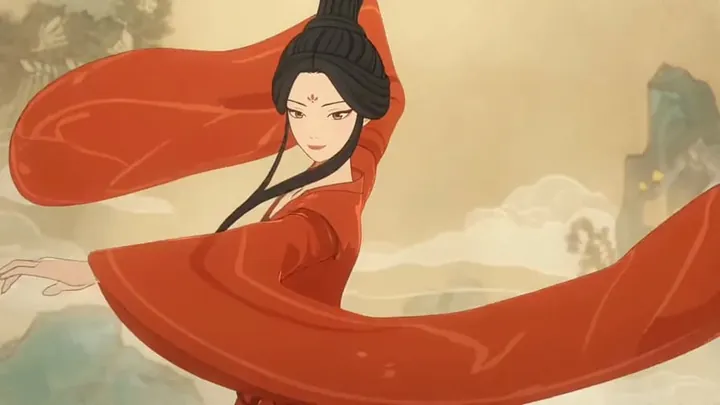
How it works
How the AI dance generator works
Add the character
Upload one photo of the person or character who should dance, head to toe if you can. PNG, JPEG, or WEBP files up to 20 MB work.
Add the dance video
Upload a clip of someone doing the moves. MP4 or WebM files up to 200 MB work.
Add details and generate
Add a short prompt if you want to keep details like the outfit or the style. The studio shows the price before you start.
Use cases
What you can make dance
Yourself
Use a full-length photo of yourself and a clip of a routine you like, and watch yourself perform it.
Cartoons and mascots
A cartoon, a mascot or a game character can follow the same choreography as a human dancer.
Your AI influencer
Take a photo you made with AIdol and have it dance for a short video post.
One routine, many performers
Film the choreography once and let a different character perform it in each AI dance video.
Motion transfer
Not just dance: character animation from any movement
Dancing is one use. The tool itself is motion transfer: whatever the person in your video does, the character does. In the studio it’s called Character Animation.
Walking and running
A walk, a run or a catwalk strut filmed on your phone becomes your character’s.
Gestures and poses
A wave, a point, a bow to the camera: film the gesture once and reuse it across characters.
Acting and performance
Act out a short scene yourself and let a cartoon or a mascot play it.
Why DER
Character in, motion out
Any character
A person, a mascot or a cartoon — head to toe works best.
Moves from a clip
Upload a video of someone doing the moves to copy.
Keep the details
An optional prompt keeps things like the outfit or the style.
Better results
Photo and video that transfer well
The character and the dancer should be framed alike: a full-body character with a full-body clip.
The character photo
Do
- One character
- Head to toe inside the frame
- A clear, evenly lit picture
Avoid
- A close-up when the dance uses the whole body
- Several characters in one photo
The dance video
Do
- One person doing the moves
- Framed like your character
- The whole body in view
Avoid
- Several dancers at once
- The dancer leaving the frame
Examples
Made with the AI dance video generator
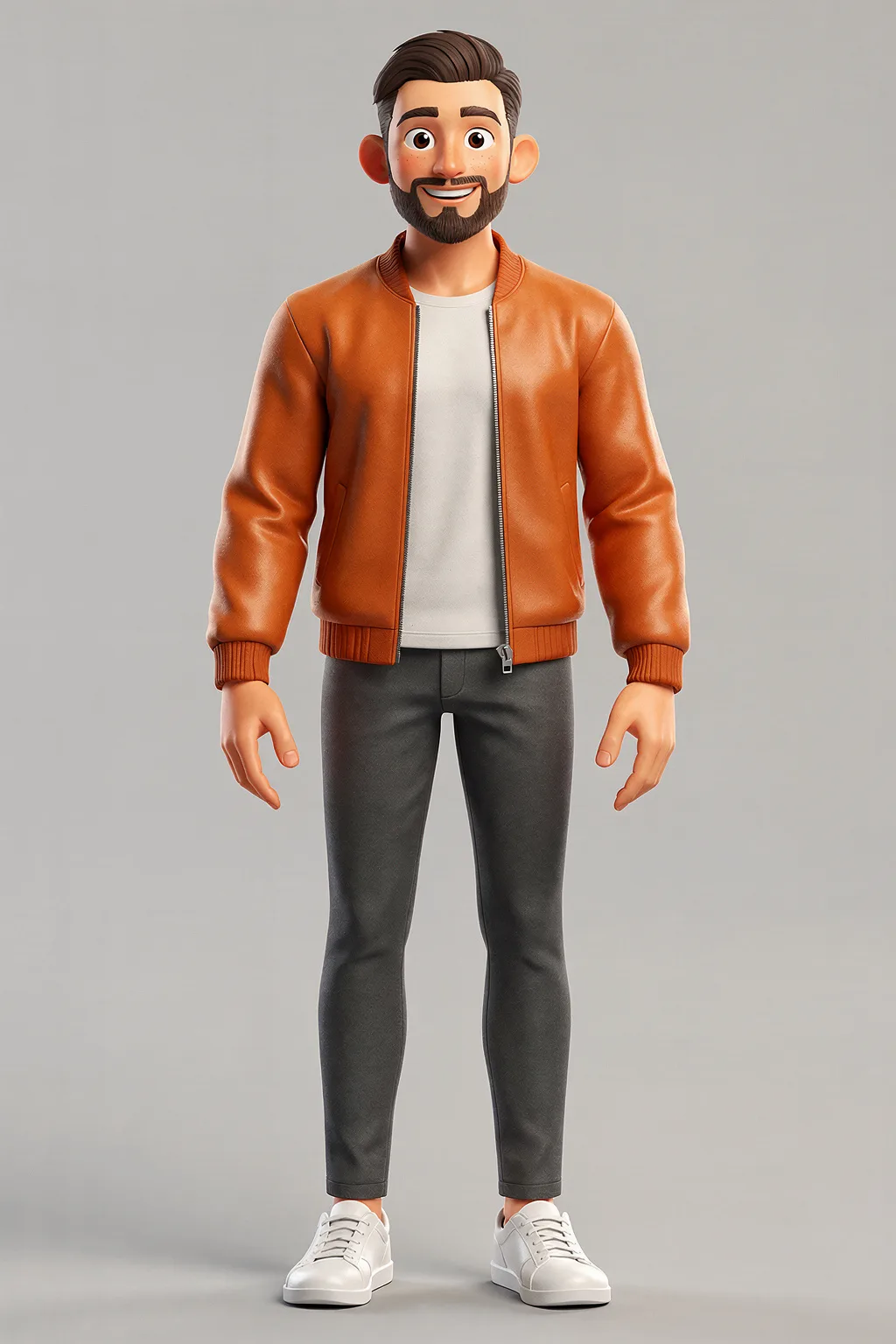 CharacterA dance reference videoResult
The character copies the moves from the reference video, which isn’t shown here.
Rules
Use it responsibly
The character can be a real person, and so can the dancer. These rules apply to every clip you make:
Only use people you have permission to use
Your own photos, videos and voice recordings, or those of someone who agreed to it.
No deception or impersonation
Don’t pass AI-made videos off as real, or use them to mislead, harass or defraud.
Label AI videos when you share
Say the video was made with AI where it matters.
No intimate images
Never make sexual or intimate images of a real person without their consent, or anything involving minors.
Pricing
What it costs
You pay per clip, in credits.
The price follows the length of your file, and the studio shows it before you start.
See all pricesPay as you go
No subscription and no monthly minimum: credits are only used when you run something. Top-ups start at $5.
Failed runs cost nothing
If a run fails, the credits it used go back to your balance automatically.
FAQ
AI dance video generator FAQ
What is an AI dance video generator?
How do I make a photo dance?
What makes a good motion video?
Does it only work for dancing?
How is this different from character swap?
Is the AI dance generator free?
How long are my results kept?
Make a photo dance
Character Animation