Face SwapFor AI agentsMCP · SKILL
AI Face Swap
Swap a face, a whole head or an outfit in your photos. Upload the face, pick the target photo, and get the result.
Face, head or outfit · in photos
Photo
1 · FaceYour face
2 · Target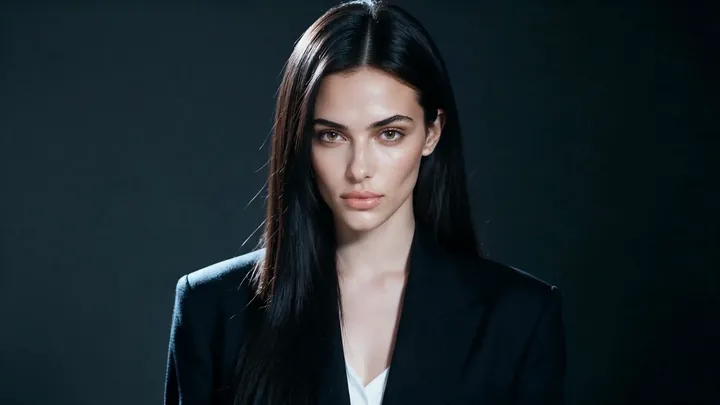
1 · HeadYour head
2 · Target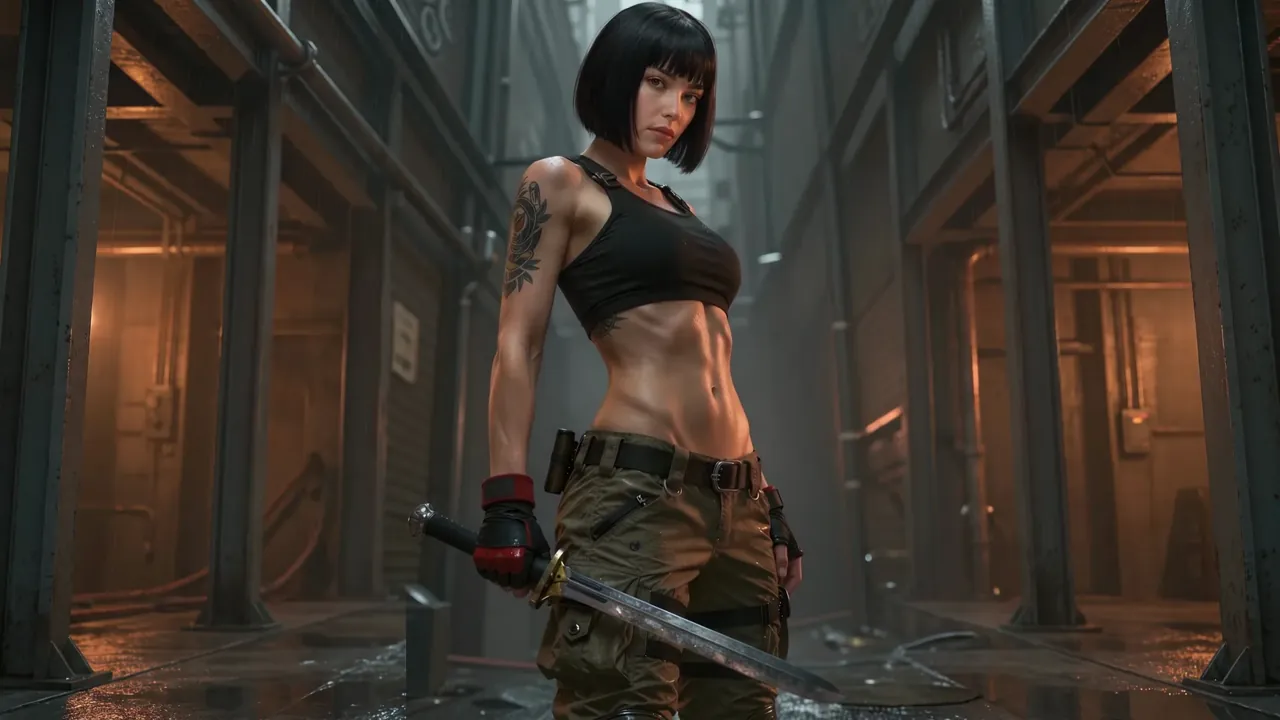
1 · OutfitThe outfit
2 · Target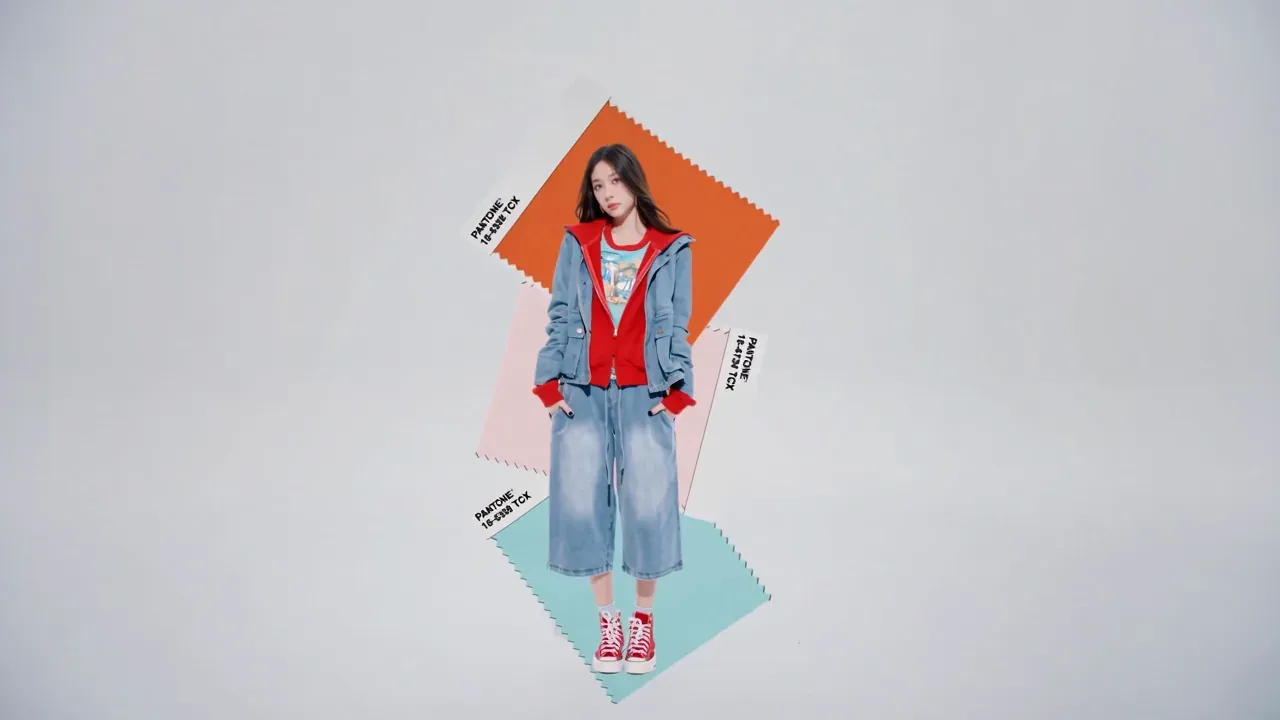
Works with: Photo
- Works on photos
- Face, head or full outfit
- PNG, JPEG or WEBP up to 20 MB
Swap types
Three ways to swap
- Photo
Outfit swap
Put a new outfit on any photo of a person. Also called virtual try-on.
Try Outfit swap
Inputs
Two photos in, one photo out
Every swap needs a clear photo of the face, head or outfit, and the target photo that receives it.
Photo swap
- Formats
- PNG · JPEG · WEBP
- File size
- Up to 20 MB
- Resolution
- Up to 8192 px per side
- Works with
- Face · Head · Outfit
What you upload
- Face swap
- Face + target photo
- Head swap
- Head + target photo
- Outfit swap
- Person + outfit photo
- You get
- One new photo
Better results
Pick the right face photo
Do
- Face the cameraFront-on or slightly turned works best.
- Even lightNo hard shadows across the face.
- One clear faceCrop group photos to the person you want.
- Sharp and largeThe face should fill a good part of the photo.
Avoid
- Covered facesSunglasses, masks or hands over the face.
- Extreme anglesFull profile or looking far up or down.
- Tiny or blurryFaces far away, heavily filtered or low-res.
Made with DER
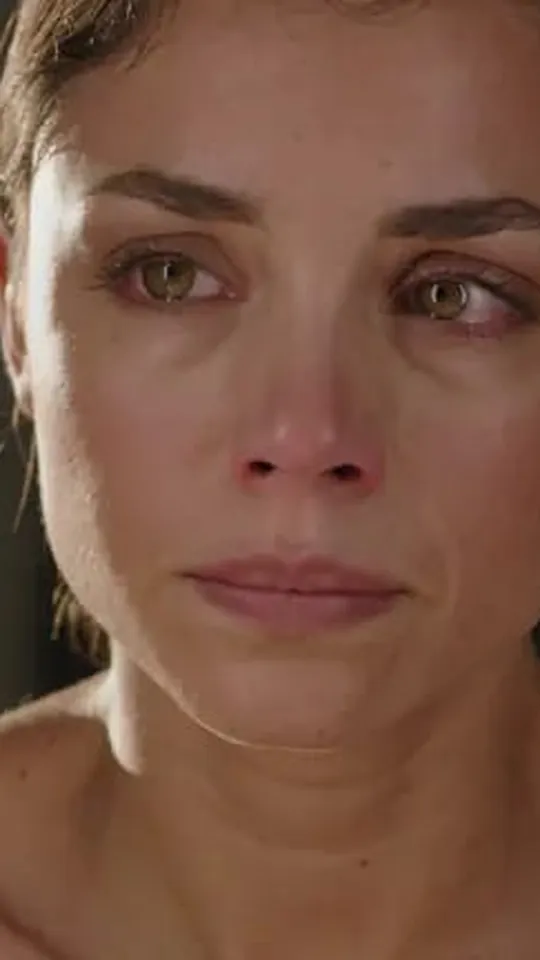
Swaps made in the studio
- Only use faces you have permission to useYour own face, or someone who agreed to it.
- No deception or impersonationDon’t pass swapped content off as real, or use it to mislead, harass or defraud.
- Label AI edits when you shareSay the image was edited with AI where it matters.
- No intimate imagesNever make sexual or intimate images of a real person without their consent, or anything involving minors.
FAQ
AI face swap FAQ
What can I swap in?
Photos. Face Swap, Head Swap and Outfit swap all take PNG, JPEG or WEBP images up to 20 MB and up to 8192 px per side, and give you a new photo.
What makes a good face photo?
A sharp, front-facing photo with even light and nothing covering the face. See the tips above.
Can I swap faces in a group photo?
There is no setting to pick which face gets replaced, so use a face photo with one clear face and, for the most predictable result, a target photo with one person. Crop group photos first.
Are my uploads stored?
Uploads and results are kept for 7 days and then deleted, unless you save a result to your library. Download what you want to keep.
How much does a swap cost?
Each swap is one generation, and its cost is shown before you submit. 1 credit is $0.01.
Can I use face swap through the API?
Yes. Face, head and outfit swap are available over the API and the MCP server, with the same credits.
Keep creating
More AI tools in DER
- Video
AI Video Generator
Seedance, Veo, Wan and DER V2Text and image to video with Seedance, Veo and Wan. - Image
AI Image Generator
GPT Image and SeedreamCreate and edit images with GPT Image and Seedream.  AIdol
AIdolAI Idol Generator
Design a characterDesign a character, then shoot new photos.- Music
AI Music Generator
Songs from a style and lyricsTurn a prompt into a track, or add sound to video.
For developers & AI agents
Swap faces from your app or agent
Face, head and outfit swap over the API and the MCP server, with the same credits and results.
Try your first face swap
Two uploads. One result.