AI Face Swap for Photos
Upload a face and a target photo (PNG, JPEG, or WEBP, up to 20 MB each). The face goes onto the person in the photo, the rest stays the same, and you get one new photo. From 8 credits per image (≈ $0.08), pay as you go. Results are usually ready in about 60 seconds.
Opens Face swap in the studio — add your files there. You’ll sign in first if you’re signed out.
How it works
How AI face swap works
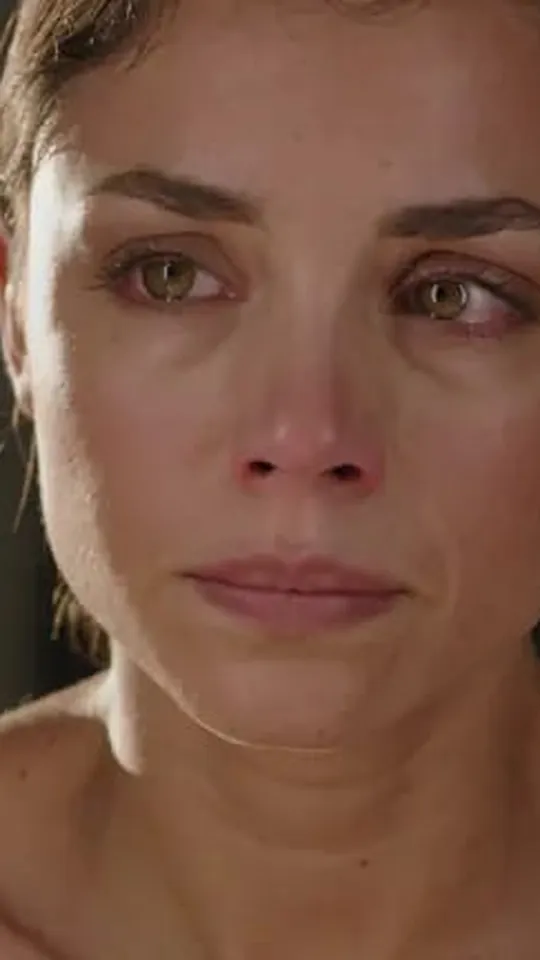
Add the face photo
A sharp, front-facing photo of the face you want to use, with nothing covering it. PNG, JPEG, or WEBP files up to 20 MB work.
Add the target photo
The photo that receives the face. The hair, the body and the scene in it stay as they are.
Confirm the rules and generate
Before your first swap you confirm the rules once per account. Then check the price and generate: you get one new photo, marked as AI-made inside the file.
Use cases
What people use a photo face swap for
Put yourself in the picture
See your own face in a portrait, a costume shot or a scene you like. The pose and the setting come from the target photo.
Try a hairstyle or a look
Face swap keeps the target’s hair and styling, so a target photo with a different haircut shows how it might suit you.
Fun edits with friends
Swap faces in a photo with a friend who’s in on it. Only use faces of people who agreed.
Options
Three ways to swap on DER
Each one takes two photos and returns one. They differ in how much of the person changes.
Only the face
This pageThe face moves onto the person in the target photo. Hair, body, clothes and background stay.
The whole head
Face, hair and head shape move together. Pick it when the hairstyle matters.
The outfit
The person stays and the clothes change, from a photo of the outfit.
Why DER
Two photos in, one photo out
Photos only
One photo of the face, one target photo.
Marked as AI
Swapped photos carry an AI label in their file data.
Face swap online
Open the studio in a browser, add two photos and download the result. Nothing to install.
Better results
Pick photos that swap cleanly
Most weak swaps trace back to the face photo. Check both pictures before you upload.
The face photo
Do
- Facing the camera, or turned only slightly
- Even light, with no hard shadows across the face
- One clear face that fills a good part of the photo
Avoid
- Full profile, or looking far up or down
- Sunglasses, masks or hands over the face
- Faces that are far away, blurry or heavily filtered
The target photo
Do
- One person — crop group photos first
- A face angle close to the one in your face photo
- A face large enough to see clearly
Avoid
- Group shots: there’s no setting to pick which face is replaced
Examples
Photos made with AI face swap
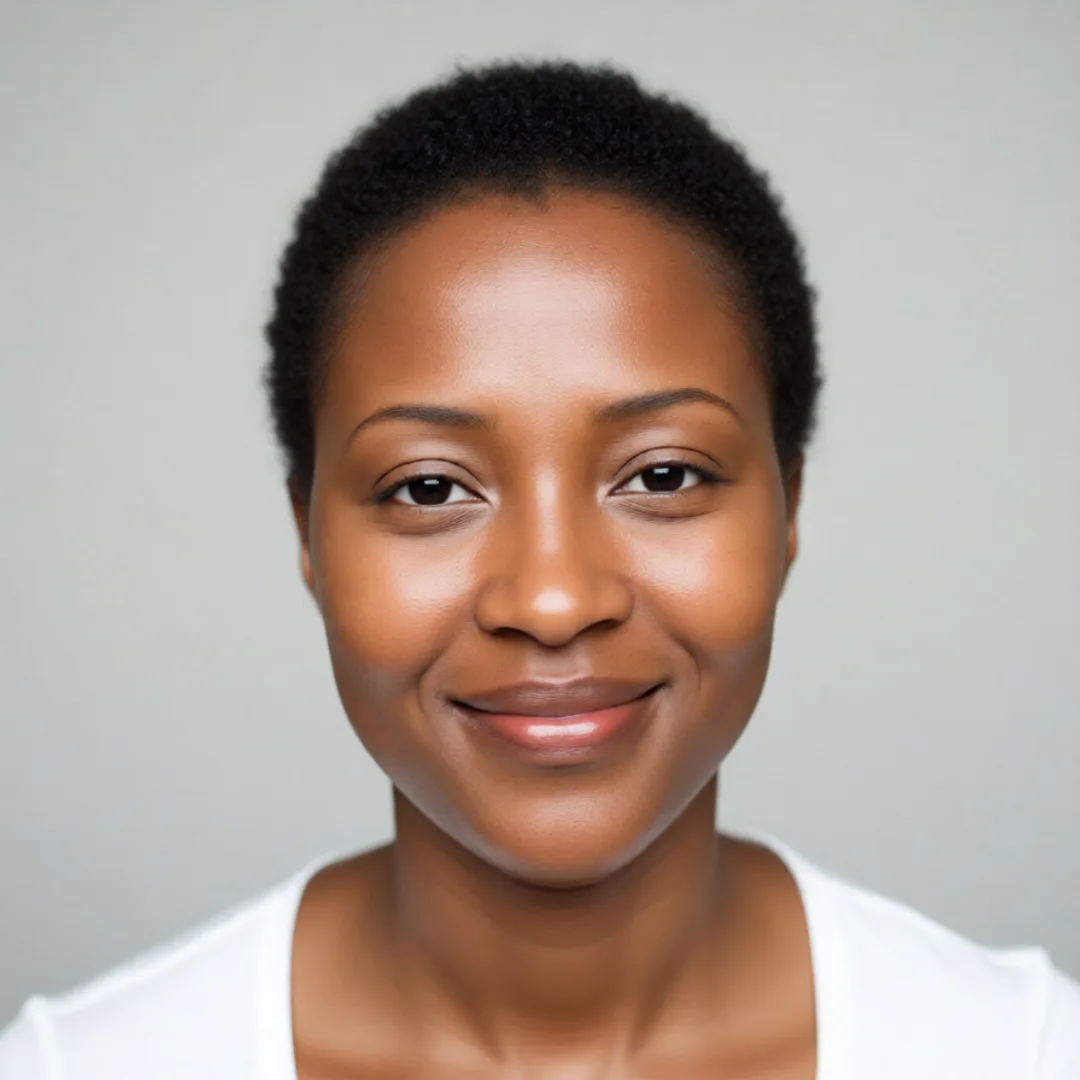 Face photo
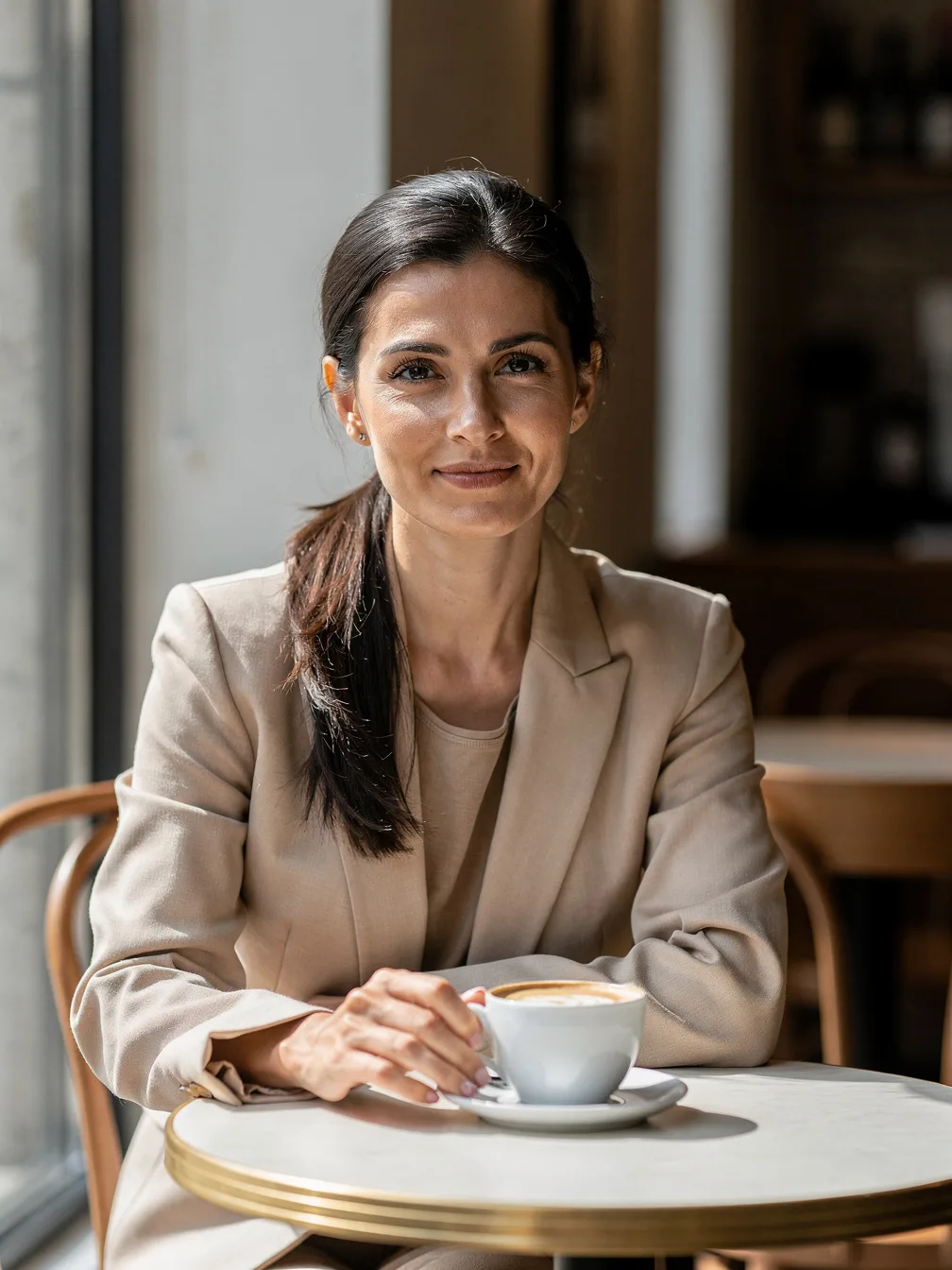 Target photo
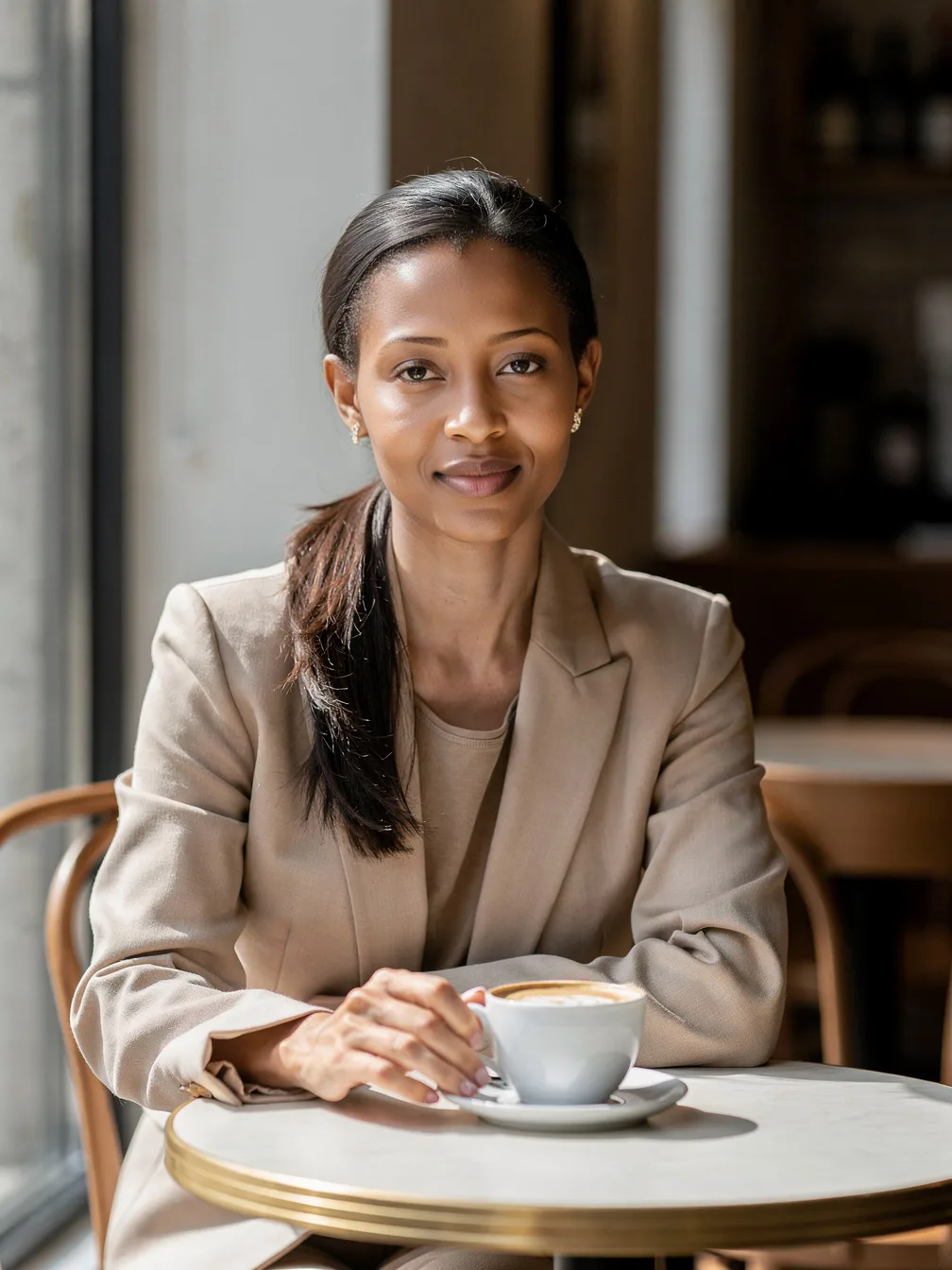 Result
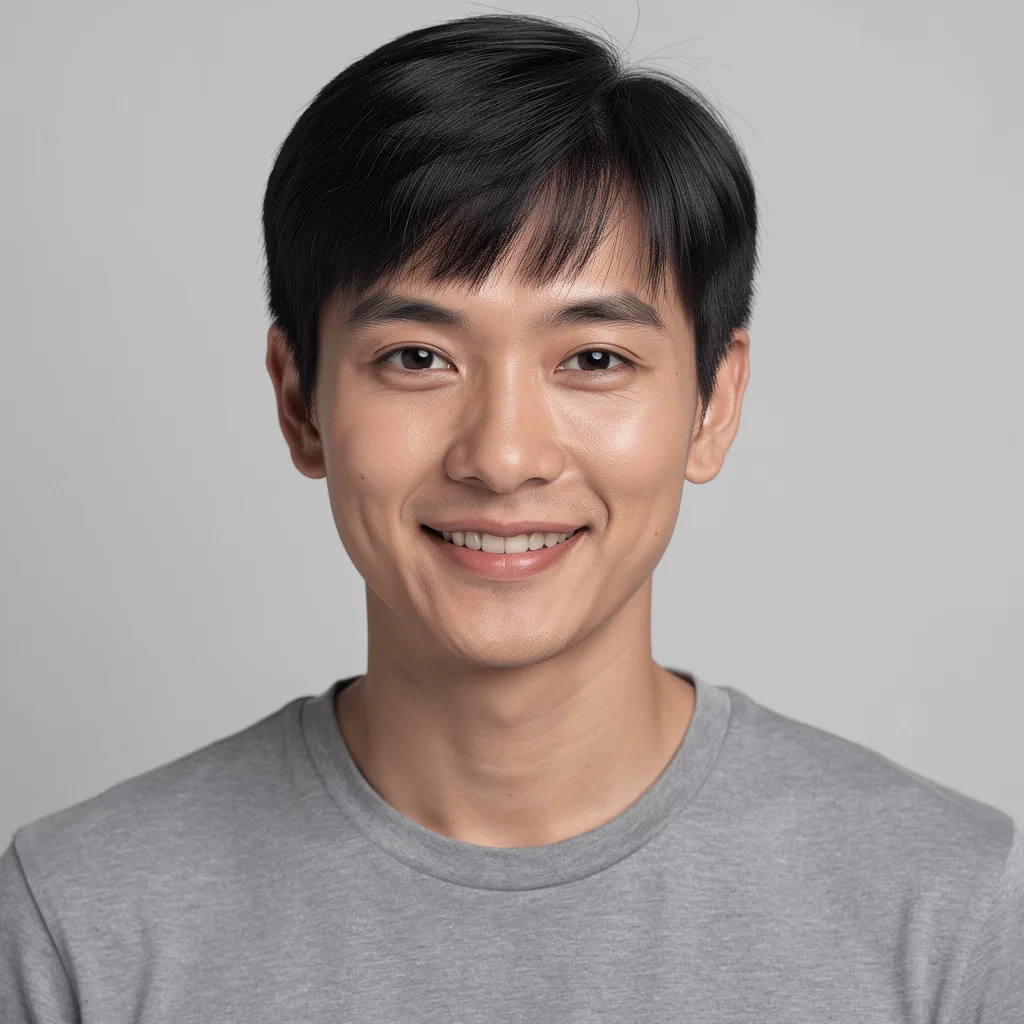 Face photo
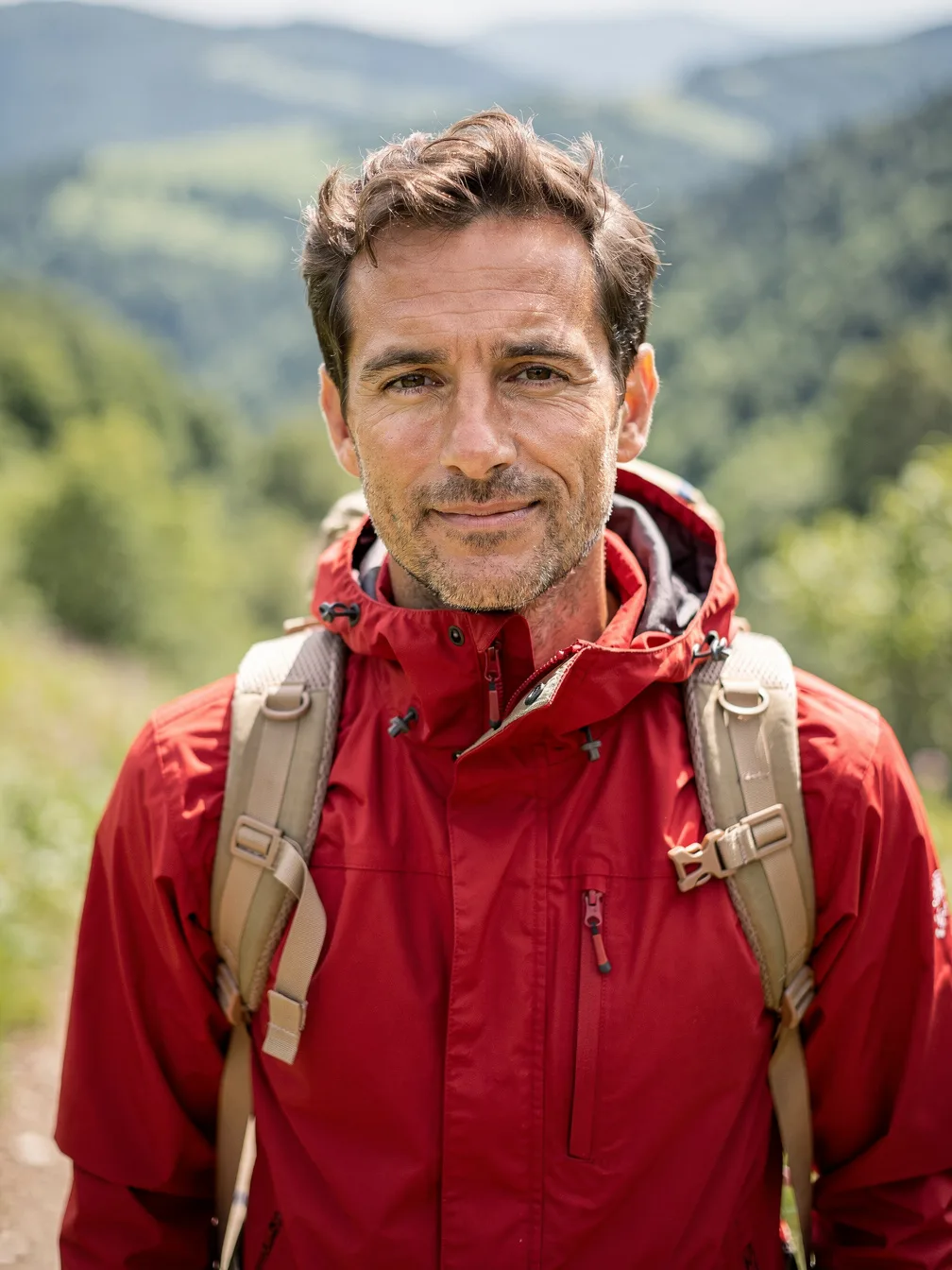 Target photo
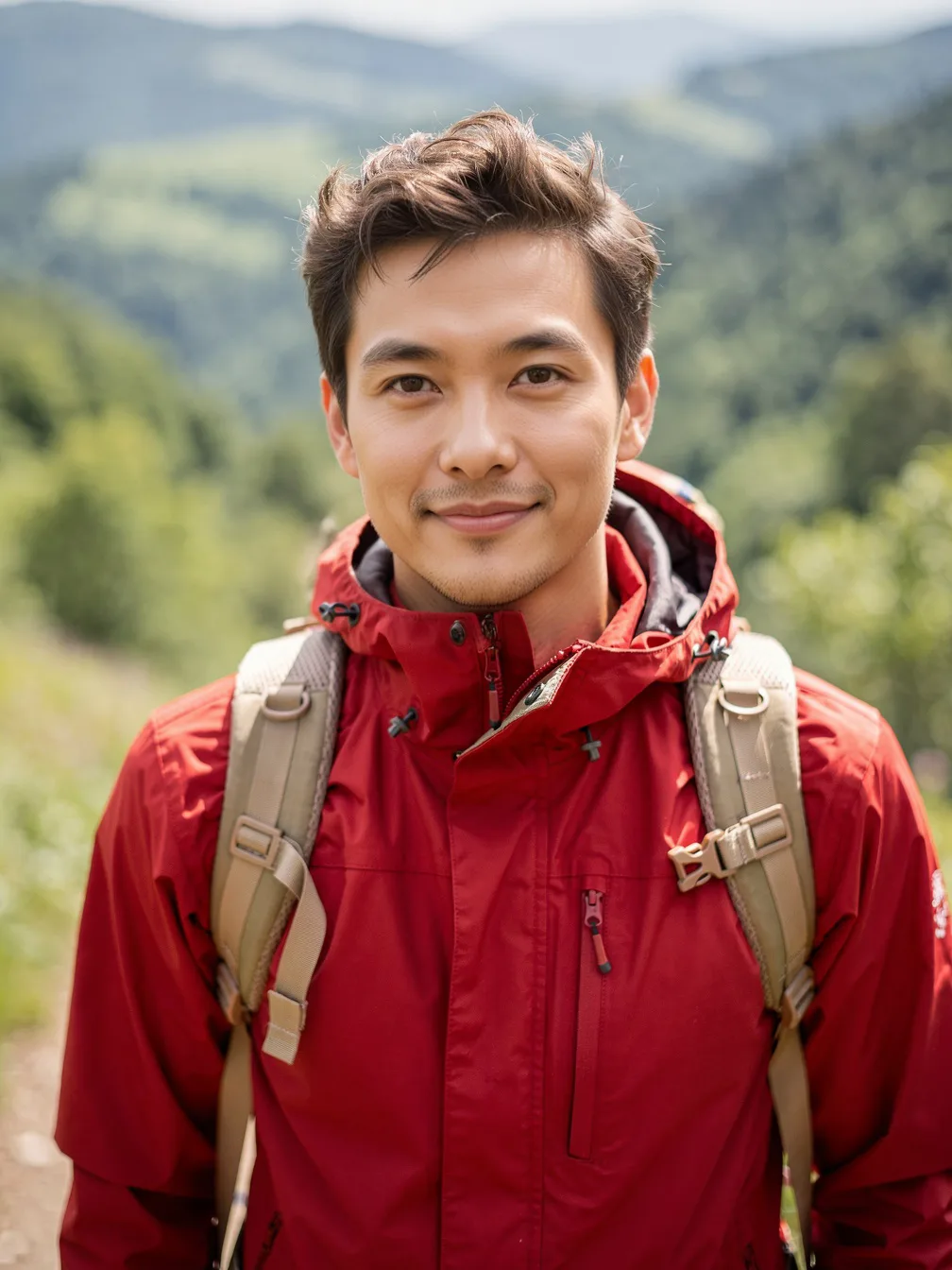 Result
Rules
Use it responsibly
Results are marked as AI-made inside the file, and the studio asks you to confirm the rules before your first swap. These rules apply to every swap:
Only use faces you have permission to use
Your own face, or someone who agreed to it.
No deception or impersonation
Don’t pass swapped content off as real, or use it to mislead, harass or defraud.
Label AI edits when you share
Say the image was edited with AI where it matters.
No intimate images
Never make sexual or intimate images of a real person without their consent, or anything involving minors.
Pay as you go
No subscription and no monthly minimum: credits are only used when you run something. Top-ups start at $5.
Price shown first
The studio shows the exact price before you start.
Failed runs cost nothing
If a run fails, the credits it used go back to your balance automatically.
FAQ
AI face swap for photos FAQ
What is AI face swap?
How do I swap faces in a photo?
Whose face can I use?
What’s the difference between face swap, head swap and the clothes changer?
Can I swap a face in a video?
How much does AI face swap cost?
How long are my results kept?
Swap a face
Face Swap · From 8 credits / image