AI Character Swap
Put yourself in place of someone in a video. Upload a clear photo of the new person (PNG, JPEG, or WEBP) and the video (MP4, WebM, or MOV, up to 15 s); the moves and the scene stay the same, and you get one clip back. From 75 credits for a 5-second video (≈ $0.75), pay as you go.
Opens Character swap in the studio — add your files there. You’ll sign in first if you’re signed out.
How it works
How AI character swap works
Add the video
Upload the clip with the person you want to replace (MP4, WebM, or MOV; up to 15 s).
Add the new person
Upload one photo of who should appear instead, with the face clearly visible. PNG, JPEG, or WEBP files up to 20 MB work.
Generate the swap
The studio shows the price before you start. The new person takes over the role; the motion and the scene stay from your video.
Use cases
When to swap a character in a video
Put yourself in the scene
Take a clip you like and step into the lead role with one photo of yourself.
Recast a clip
Shot something with a stand-in? Replace them with the person the clip was meant for, with their agreement.
Bring in an AI character
Use a photo of a character you made with AIdol and it plays the part with the same moves.
Compare
Character swap vs face swap
Both put a different person into something that already exists. They differ in what they work on and how much changes.
| What you get | Character swap | Face swap |
|---|---|---|
| Works on | Video | Photos |
| What changes | The whole person in the clip | The face only |
| What stays | The motion and the scene | The hair, the body and the background |
Working with a photo?AI Face Swap for Photos
Why DER
Same scene, new person
One photo
A clear photo of the person who should appear.
Same moves
The motion and the scene of the video stay as they were.
Steer it with a prompt
Optionally say what to keep, like the outfit or the lighting.
Better results
Photo and video that swap cleanly
The tool needs to know who goes in and who comes out. One clear person on each side keeps that simple.
The new person
Do
- One person in the photo
- The face clearly visible
- Sharp focus and even light
Avoid
- Group photos
- Sunglasses, masks or a face turned away
The video
Do
- One main person to replace
- That person in view for most of the clip
- Length: up to 15 s
Avoid
- Crowded scenes where it’s unclear who to replace
Examples
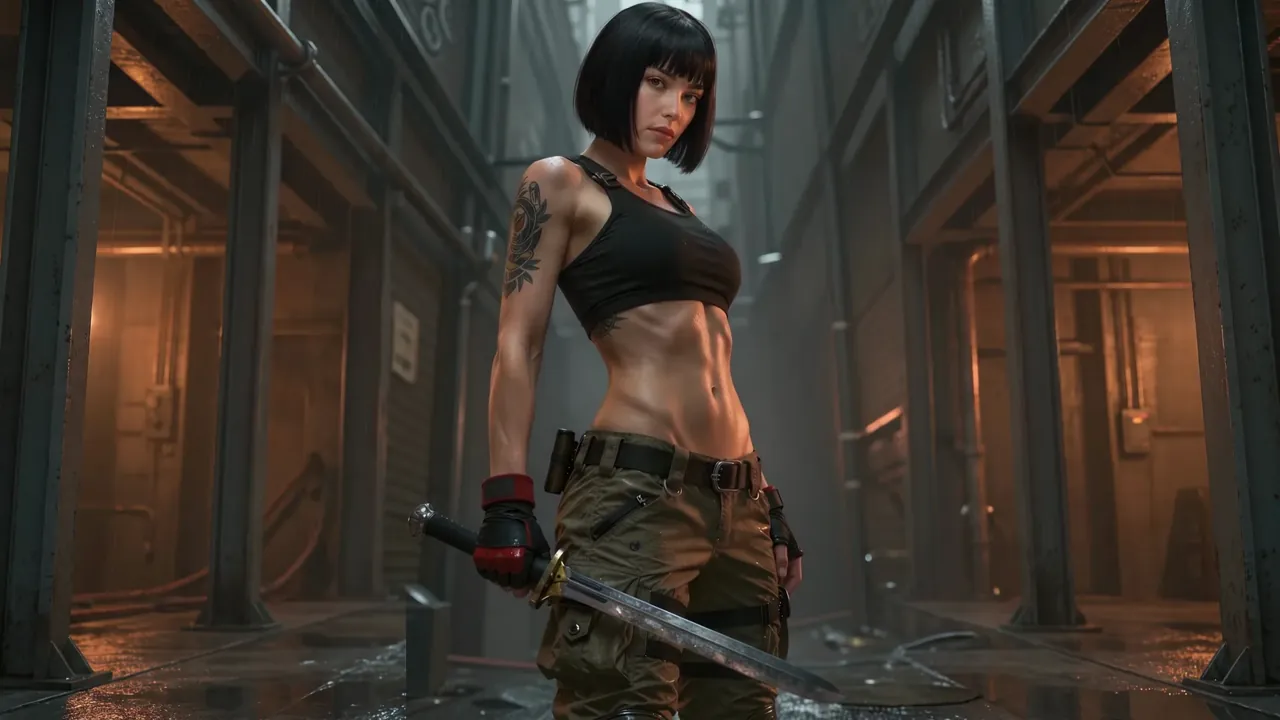
Made with AI character swap
Rules
Use it responsibly
A character swap puts a person into footage they were never in. These rules apply to every swap:
Only use people you have permission to use
Your own photos, videos and voice recordings, or those of someone who agreed to it.
No deception or impersonation
Don’t pass swapped content off as real, or use it to mislead, harass or defraud.
Label AI videos when you share
Say the video was made with AI where it matters.
No intimate images
Never make sexual or intimate images of a real person without their consent, or anything involving minors.
Pricing
What it costs
You pay per clip, in credits.
From 75 credits for a 5-second video (≈ $0.75)
See all pricesPay as you go
No subscription and no monthly minimum: credits are only used when you run something. Top-ups start at $5.
Price shown first
The studio shows the exact price before you start.
Failed runs cost nothing
If a run fails, the credits it used go back to your balance automatically.
FAQ
AI character swap FAQ
What is AI character swap?
How do I replace a person in a video?
Whose photo can I use?
Is character swap the same as face swap?
How long can the video be?
How much does AI character swap cost?
How long are my results kept?
Swap the person in a video
Character Swap · From 75 credits / 5 s of video