AI VideoFor AI agentsMCP · SKILL
Text to Video AI
Describe the shot — who, what happens and how the camera moves — and Seedance 2.0 Fast turns it into a video clip.
Opens Text to video in the studio with what you typed. You’ll sign in first if you’re signed out — your text stays.
Why DER
Words in, video out
Just describe it
No footage or photos needed. Say what happens, where, and how the camera moves.
Pick the model
Run the same prompt on different video models and keep the one you like.
Sound where the model has it
Models with native audio make the sound together with the picture.
What it costs
About $0.105 a second — a 4 s clip is about $0.42. Failed runs are refunded.
Examples
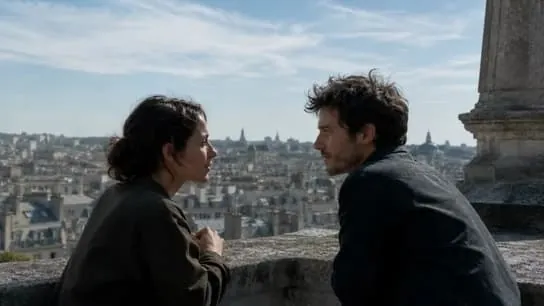
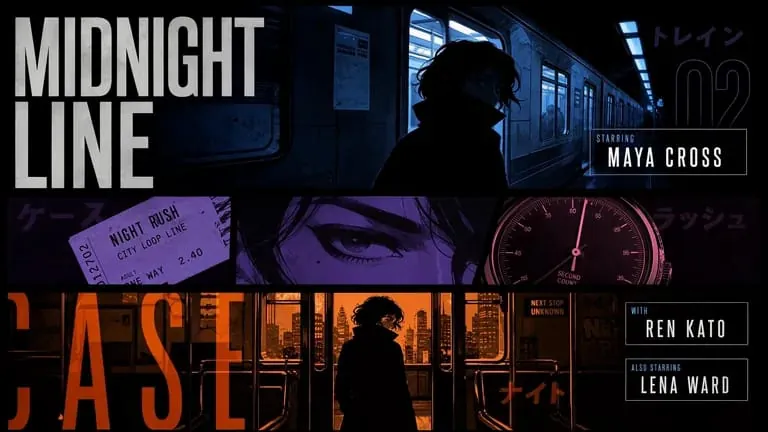
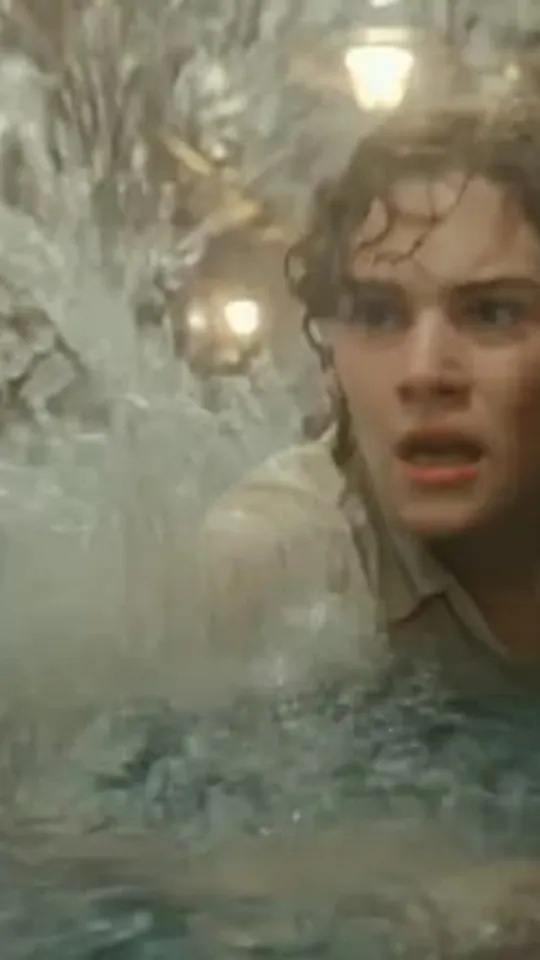
Made with Text to video

FAQ
Text to video questions
How do I write a good prompt?
Say who or what is in the shot, what happens, where it is and how the camera moves. Keep it to one clear scene per clip.
Which model does Text to video use?
Seedance 2.0 Fast by default. You can pick Seedance 2.5, Wan 3.0, or MiniMax H3 in the studio instead.
What does Text to video cost?
About $0.105 a second — a 4 s clip is about $0.42. Failed runs are refunded.
How long are my results kept?
7 days. Keep the ones you want in your Library (up to 200) so they don’t expire.
Make your first clip
Seedance 2.0 Fast · 4–15 s · ≈ 42 credits