Start and End Frame Video AI
Upload where the shot starts and where it ends (PNG, JPEG, or WEBP, up to 20 MB each). DER V3 makes the motion in between — one clip per run. From 45 credits for a 5-second clip (≈ $0.45), pay as you go. Results are usually ready in about 20 seconds.
Opens Start & end frames in the studio with what you typed. You’ll sign in first if you’re signed out — your text stays.
How it works
How start and end frame video works
Add the start frame
Upload the image the clip opens on. PNG, JPEG, or WEBP files up to 20 MB work.
Add the end frame
Upload the image the clip should finish on. Together the two act as keyframes for the shot.
Describe the in-between and generate
Say what happens between the first and last frame, pick a length, check the price and generate.
Use cases
What two frames are good for
Transitions
Open on one scene and land on another: day to night, a wide shot to a close-up, one room to the next.
Before and after
Show a change with a start frame and end frame — an empty room and the furnished one, a sketch and the finished drawing.
Camera moves with a planned finish
Decide where a push-in, a pull-back or an orbit should stop by giving the model the final frame.
Compare
Start and end frames vs image to video
Both start from a picture. The difference is whether you also decide where the clip ends.
| What you get | Start & end frames | Image to video |
|---|---|---|
| You upload | Two images: the first frame and the last | One image: the first frame |
| The ending | Set by your end frame | Left to the model and your prompt |
| Best for | Transitions, before-and-after shots, planned camera moves | Bringing a single photo to life |
Only have one image?Image to Video AI
Why DER
Two frames, one shot
You set both ends
The first photo opens the clip and the second one closes it.
The model fills the middle
It makes the motion that connects your two frames.
Guide it with words
Add a prompt to say how things should move on the way.
Better results
Pick two frames that connect
The model has to get from one picture to the other in a few seconds. The closer they are, the less it has to invent.
The two frames
Do
- The same subject or place in both
- The same shape and orientation
- Similar light and colour
Avoid
- Two unrelated pictures
- A portrait frame paired with a landscape one
The prompt
Do
- Describe what happens between the frames
- Name the camera move
Avoid
- Describing the frames themselves
- More change than fits in a few seconds
Examples
Made from a start and an end frame
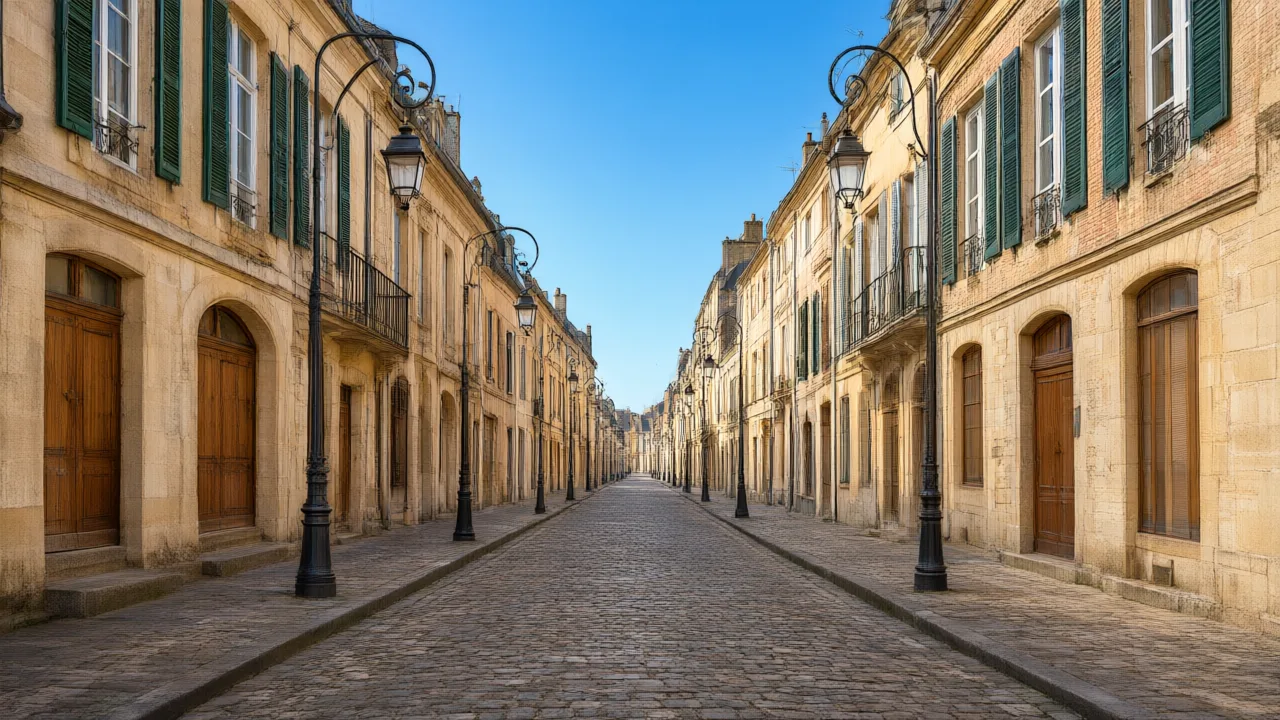 Start
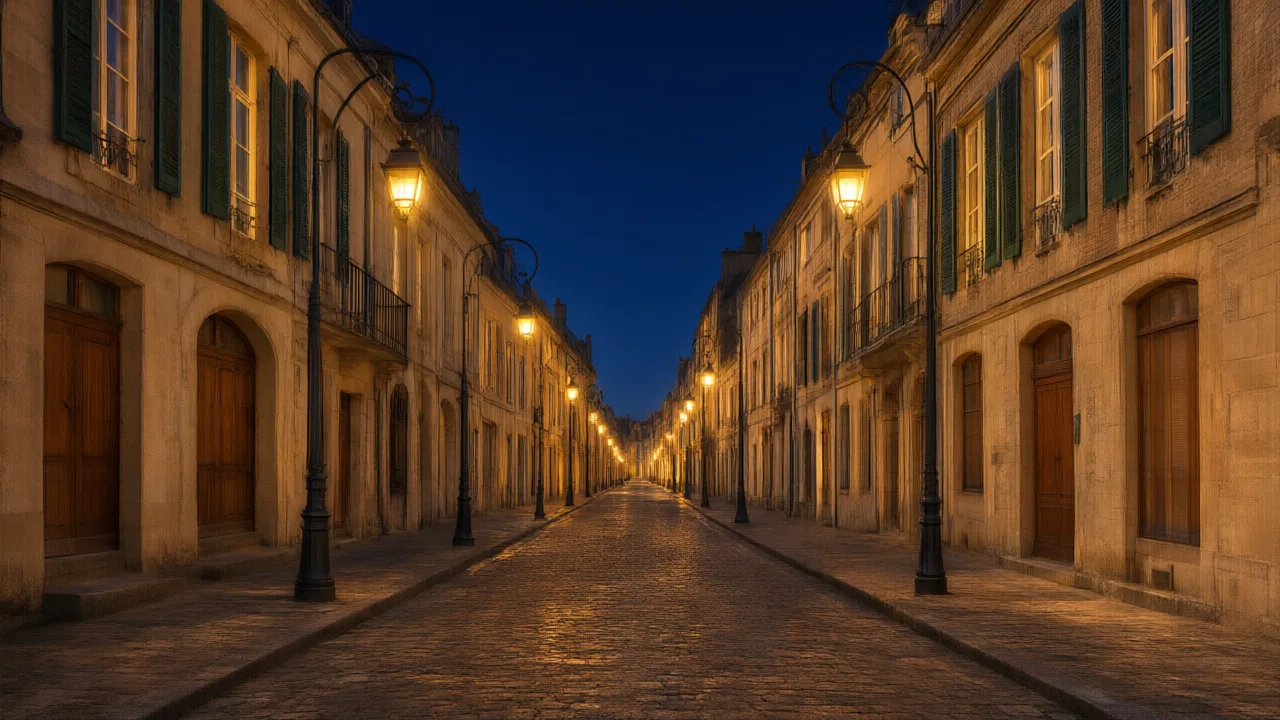 End frameResult
Result: made with DER V2
Pricing
What it costs
The price follows the model and the clip length, in credits.
From 45 credits for a 5-second clip (≈ $0.45)
See all pricesPay as you go
No subscription and no monthly minimum: credits are only used when you run something. Top-ups start at $5.
Price shown first
The studio shows the exact price before you start.
Failed runs cost nothing
If a run fails, the credits it used go back to your balance automatically.
FAQ
Start and end frame video FAQ
What is start and end frame video?
How do I make a video from two keyframes?
Do the two photos need to match?
How is this different from image to video?
Which model does Start & end frames use?
How much does start and end frame video cost?
How long are my results kept?
Connect two frames
DER V3 · 5–15 s · From 45 credits / 5 s